 flowmo
From idea to impact
One flow
for all
creatives.
Bring your ideas, creative process, and outputs together in one place. From first spark to final share, flowmo helps you think bigger, move faster, and make your best work happen.


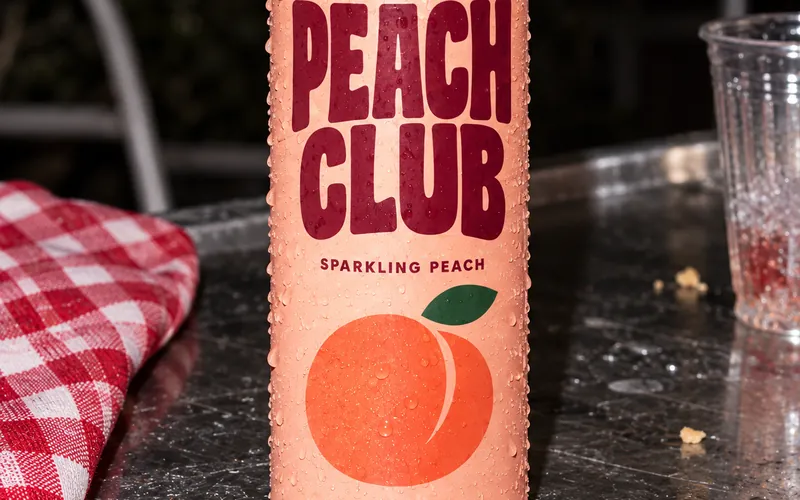
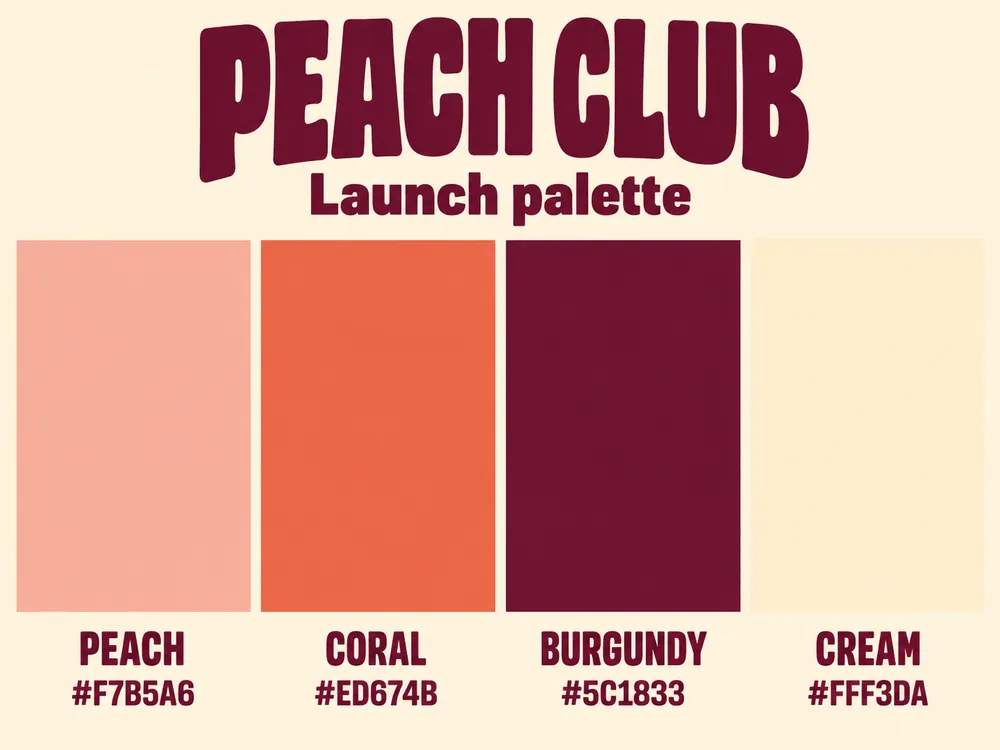
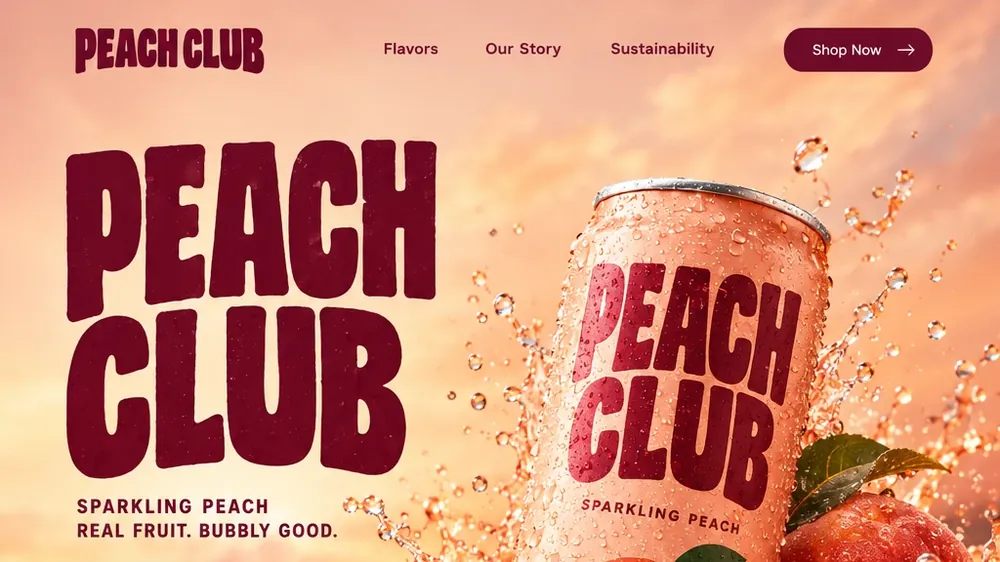
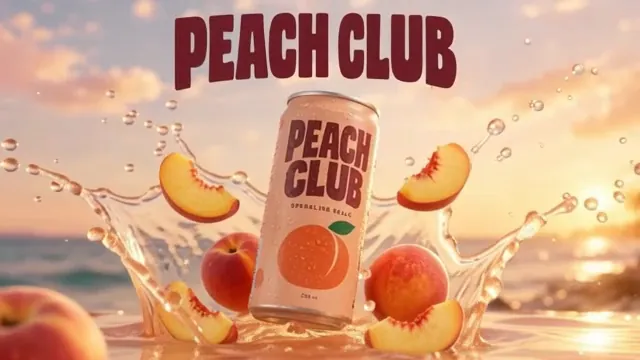

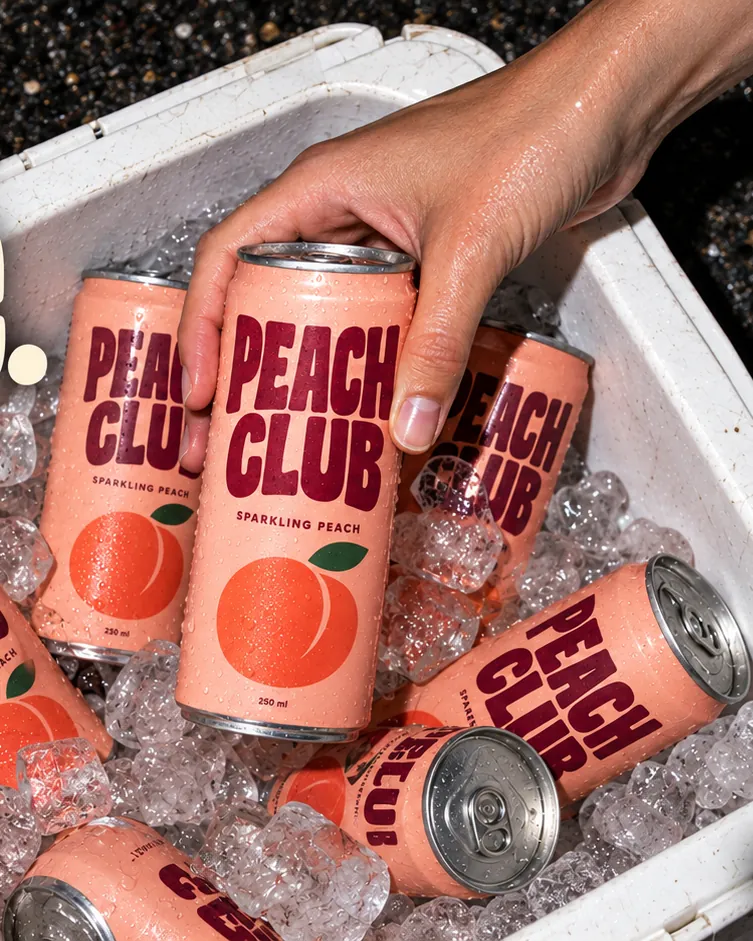
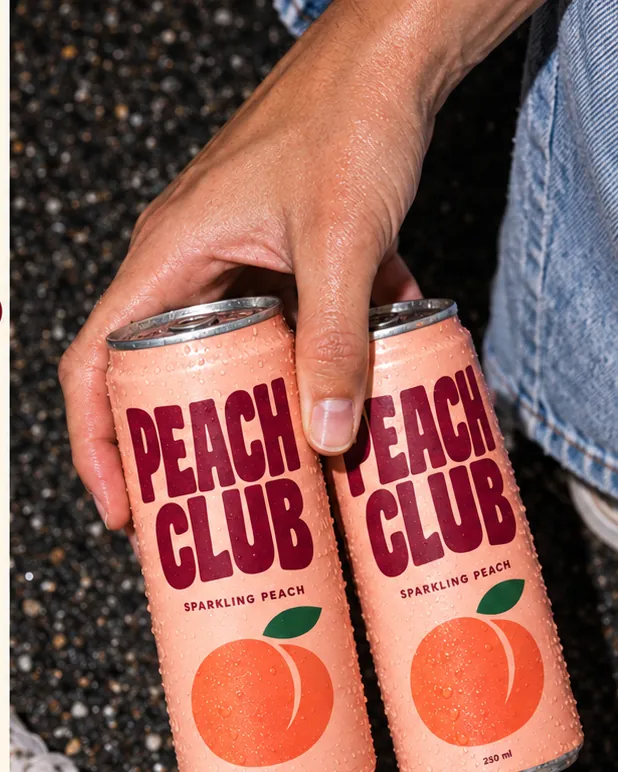
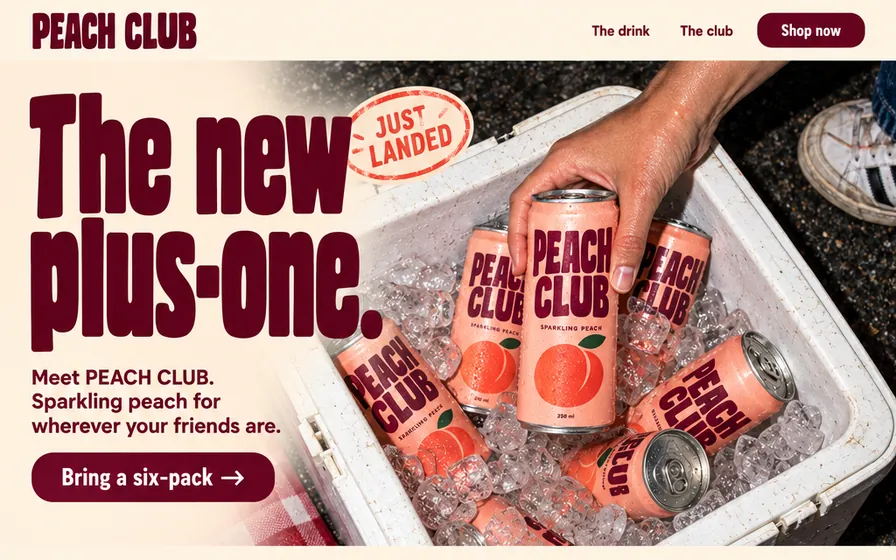
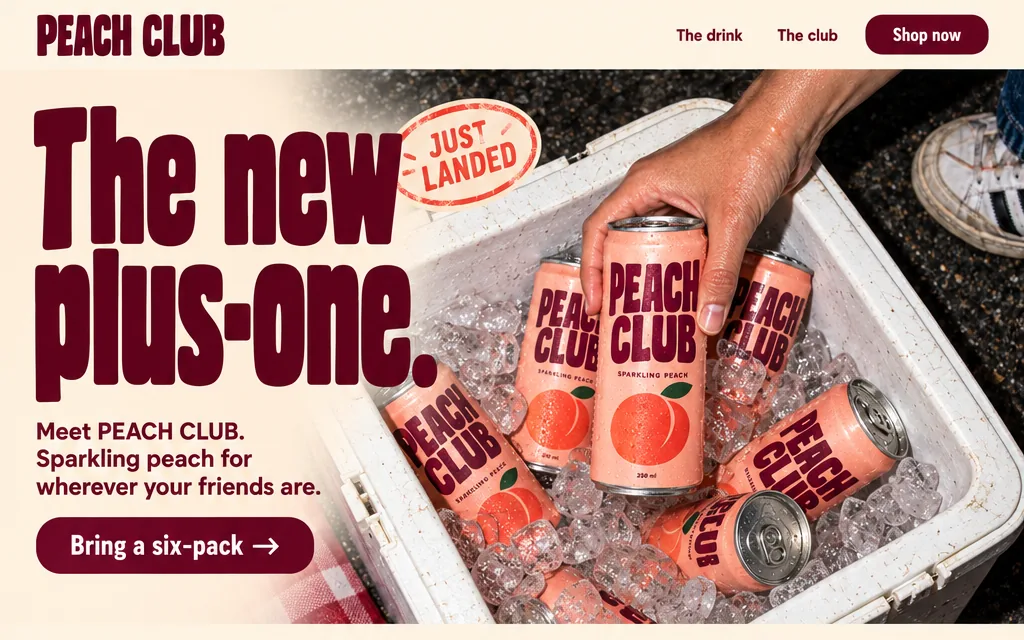
Launch kit for PEACH CLUB, a sparkling peach drink. Audience: friends who never arrive empty-handed.
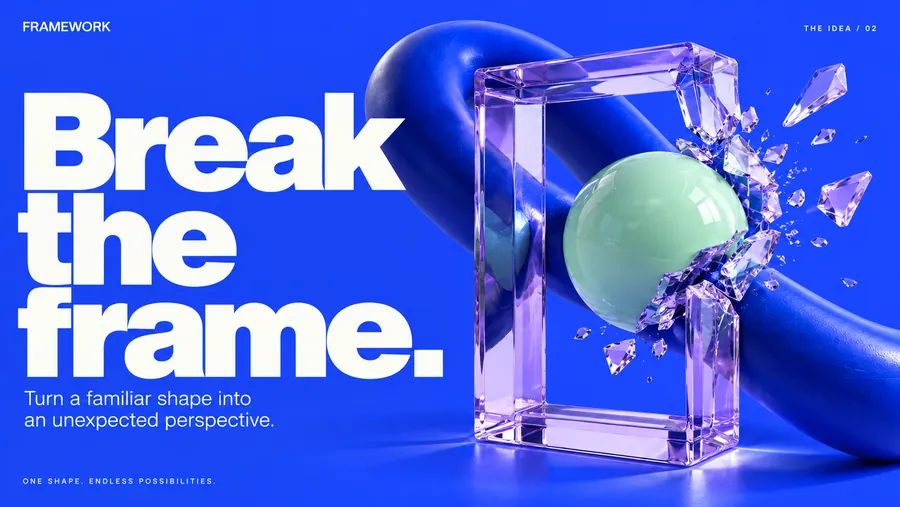
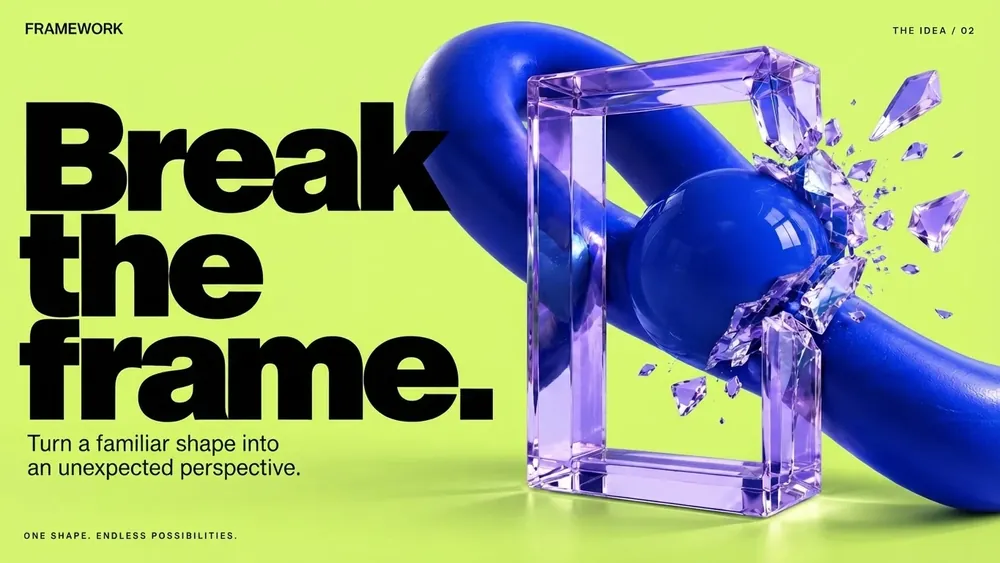
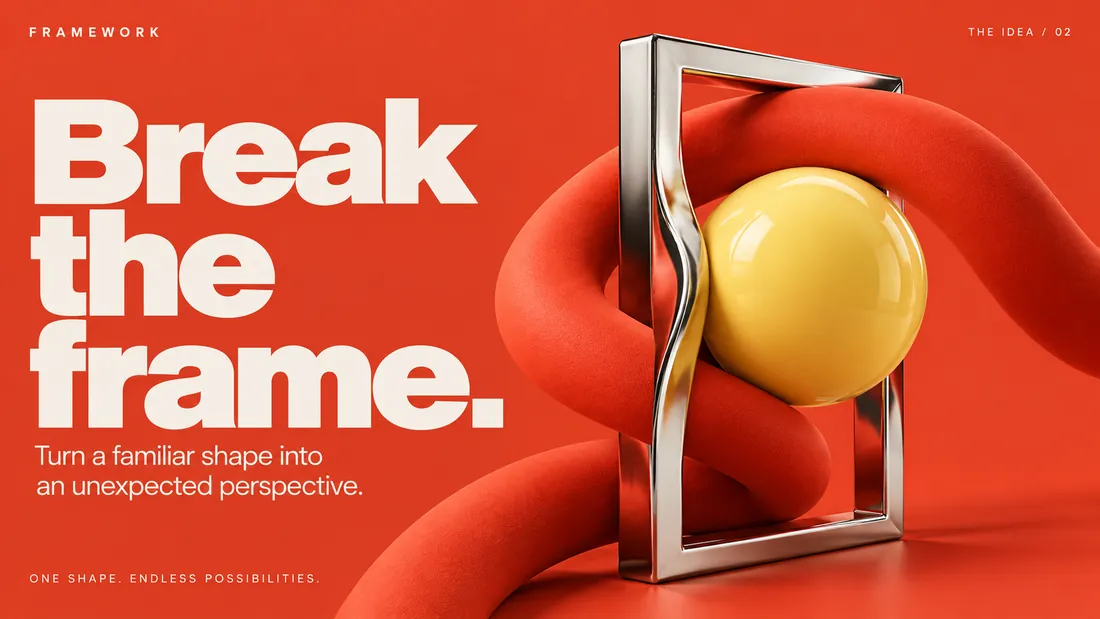
Turn a familiar shape into an unexpected perspective. Sociable, playful, unpolished. The drink you bring along.
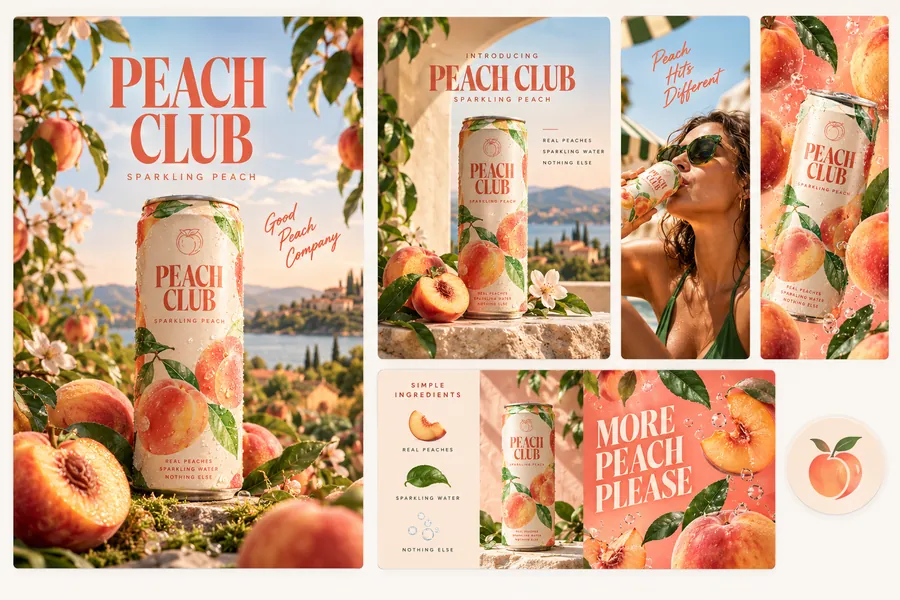
Start with what you have.
Keep the process. Run it again.
Direction
The new plus-one
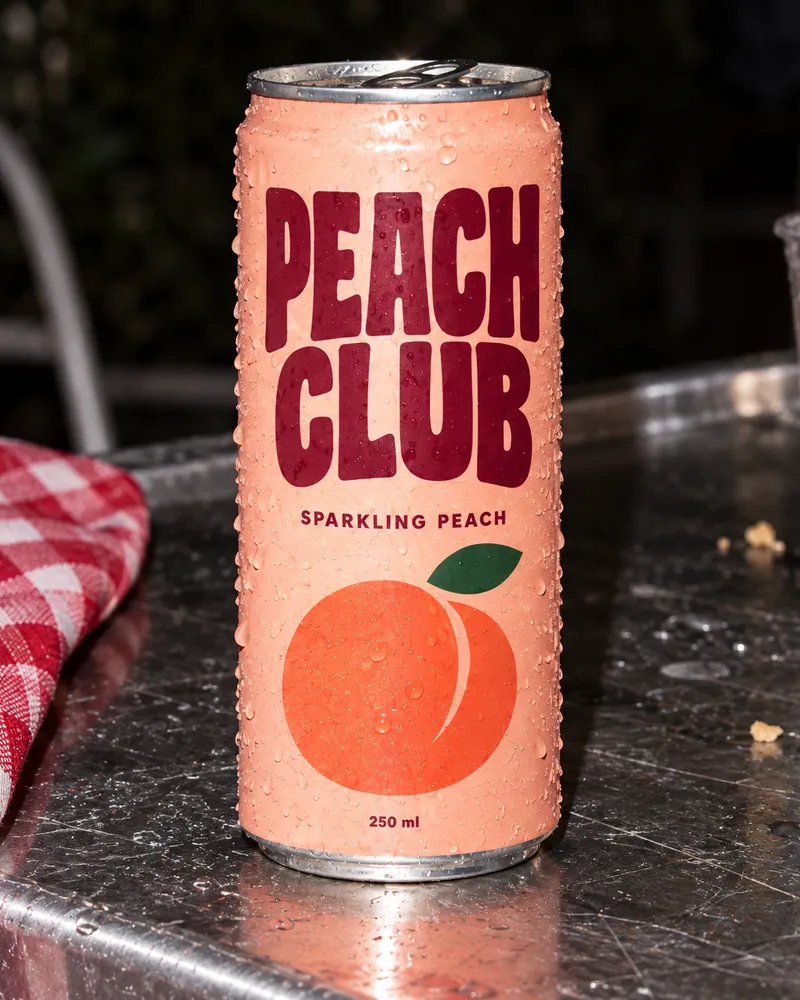
Sociable, playful, unpolished. Real tables, real hands and flash at dusk; every output keeps the can in a friend's hand.
Palette
Feeds
References
Parties that already happened
- Cans on picnic tables
- Hands, not models
- Direct flash after sunset
- Burgundy type on cream
Added
9 images and 1 swatch card, linked to the brief.
Good company. Now in a can.
Try it
The new plus-one.
Try it
Bring it along.
Try it00:05 · 24 fps
 Peach splash
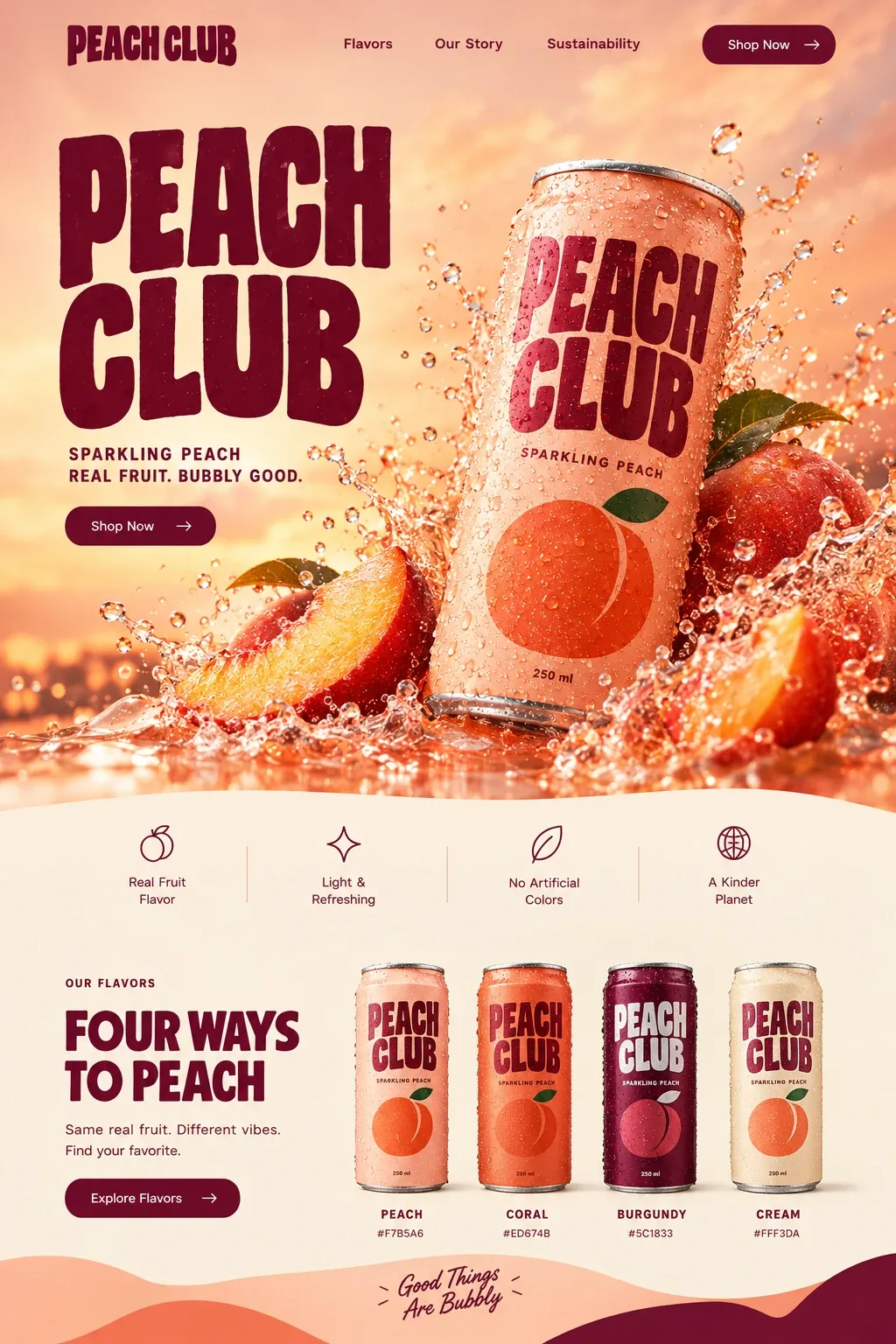


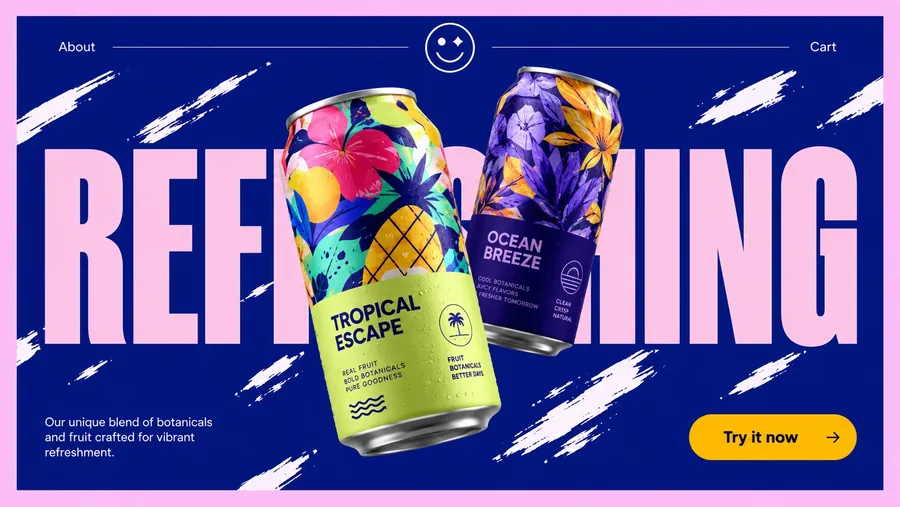
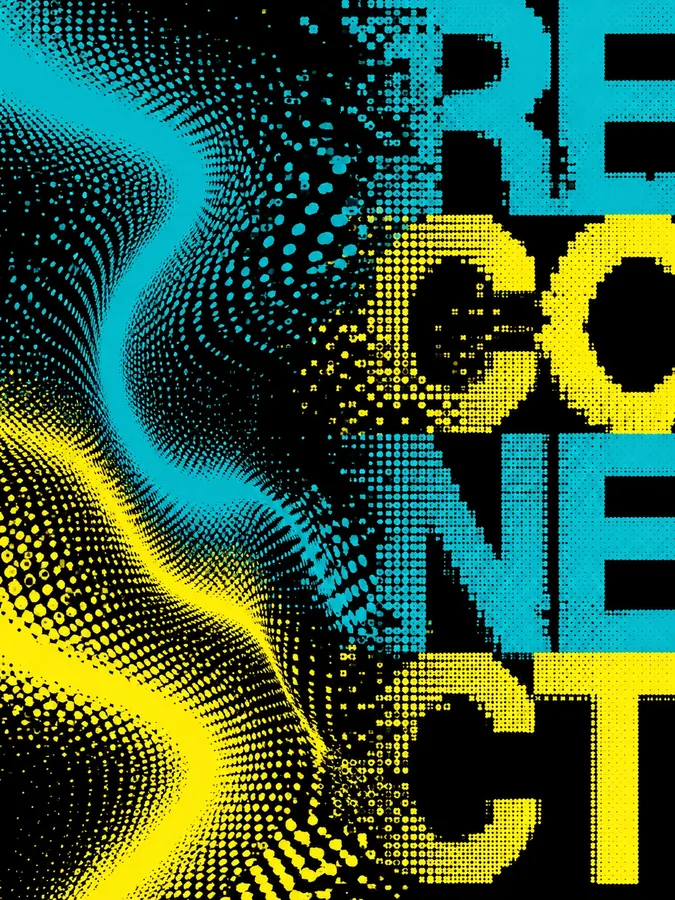

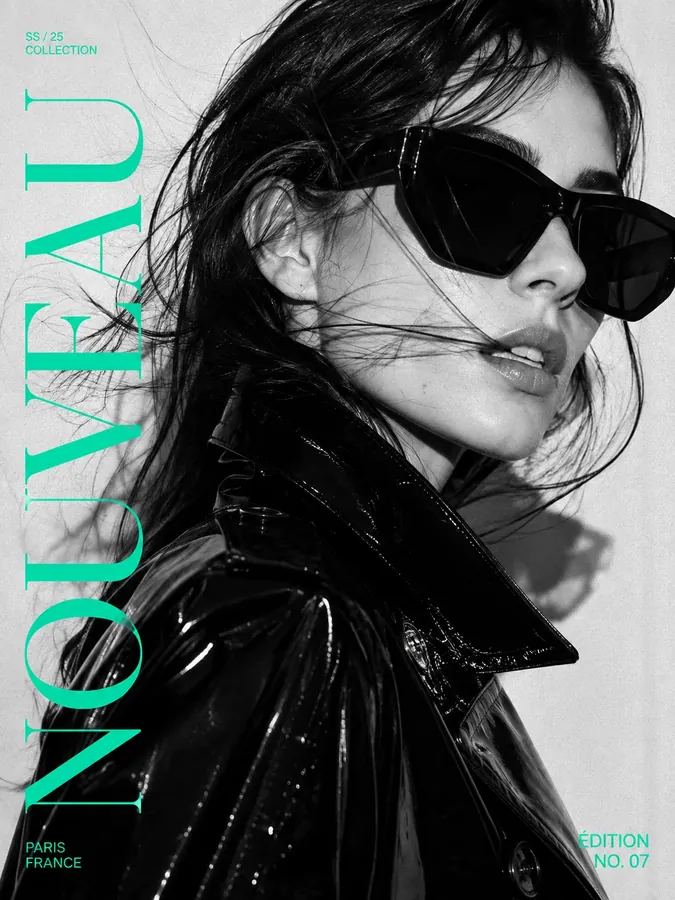
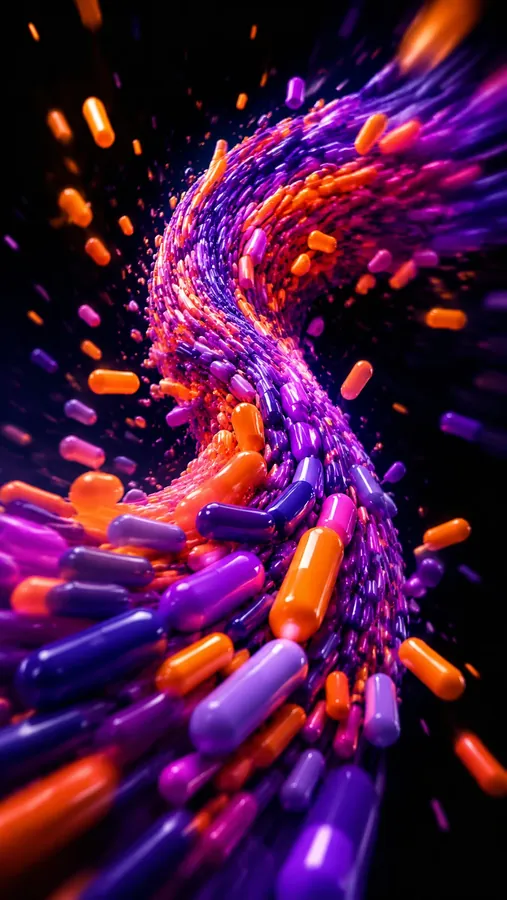

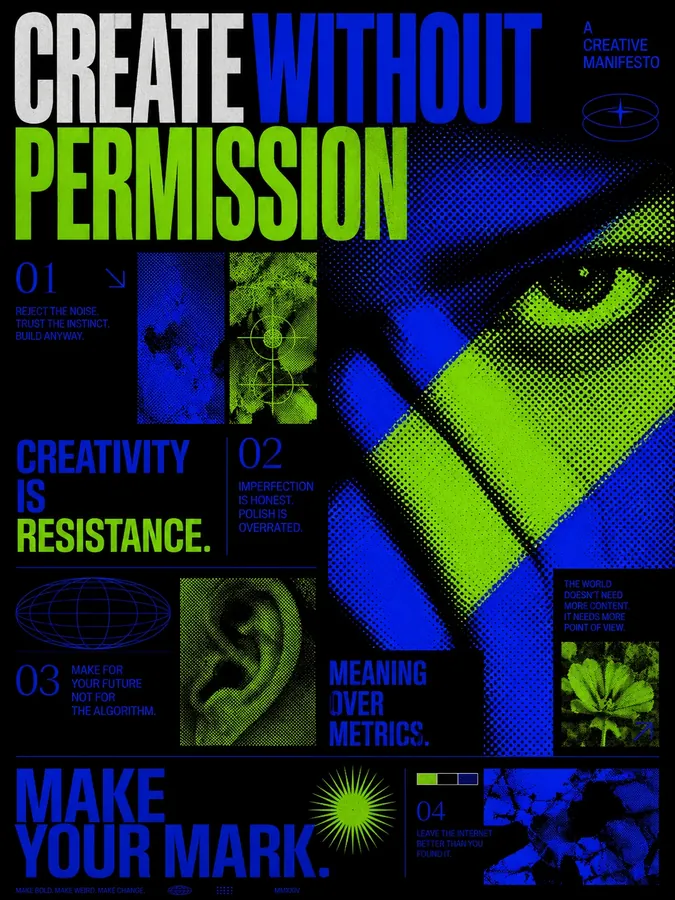
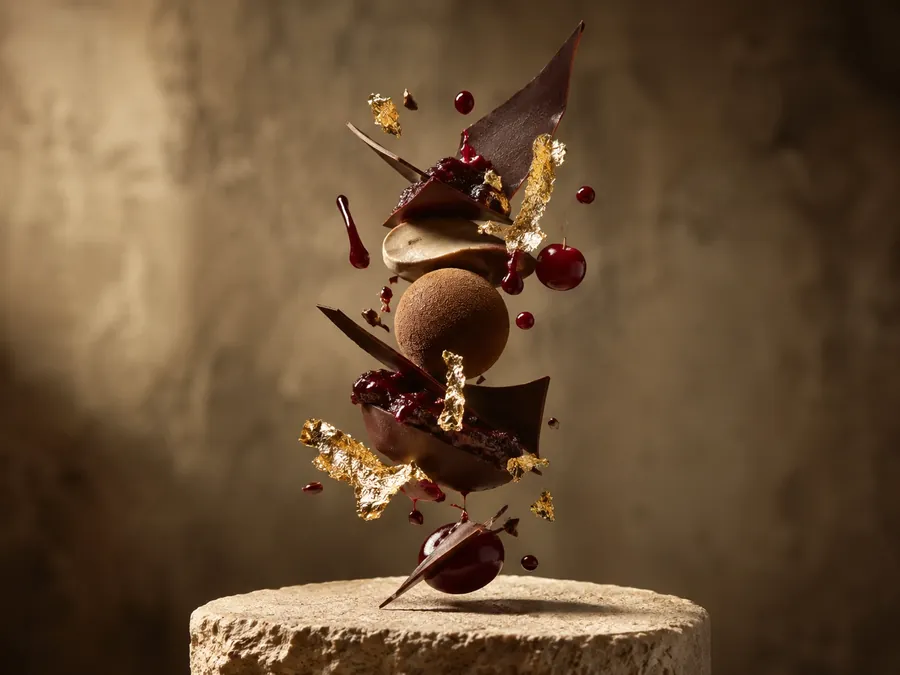
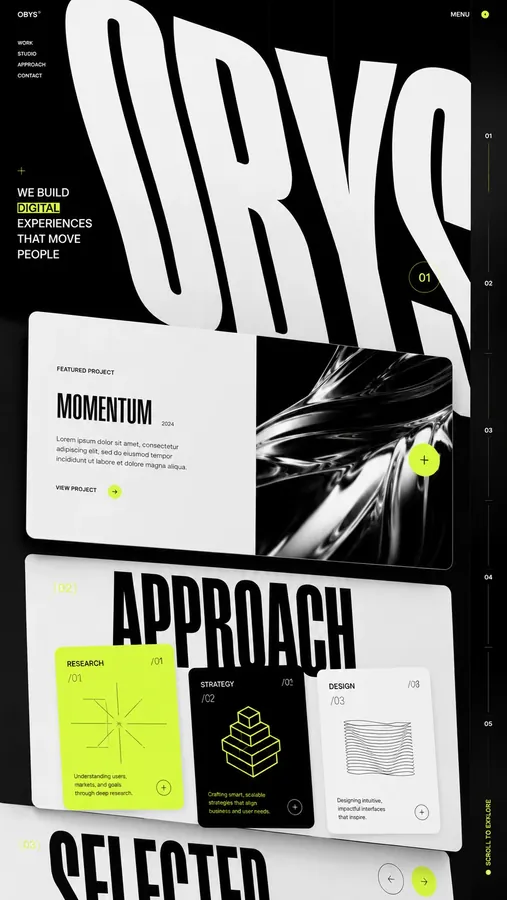
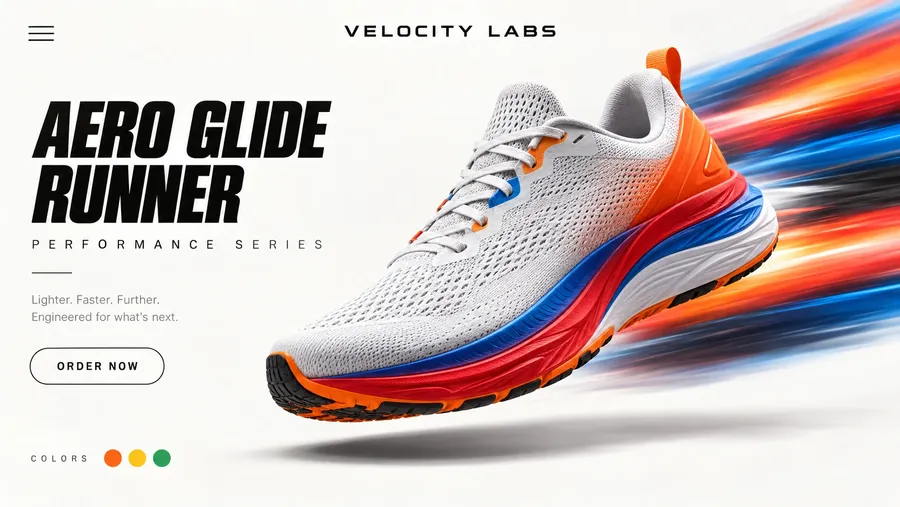

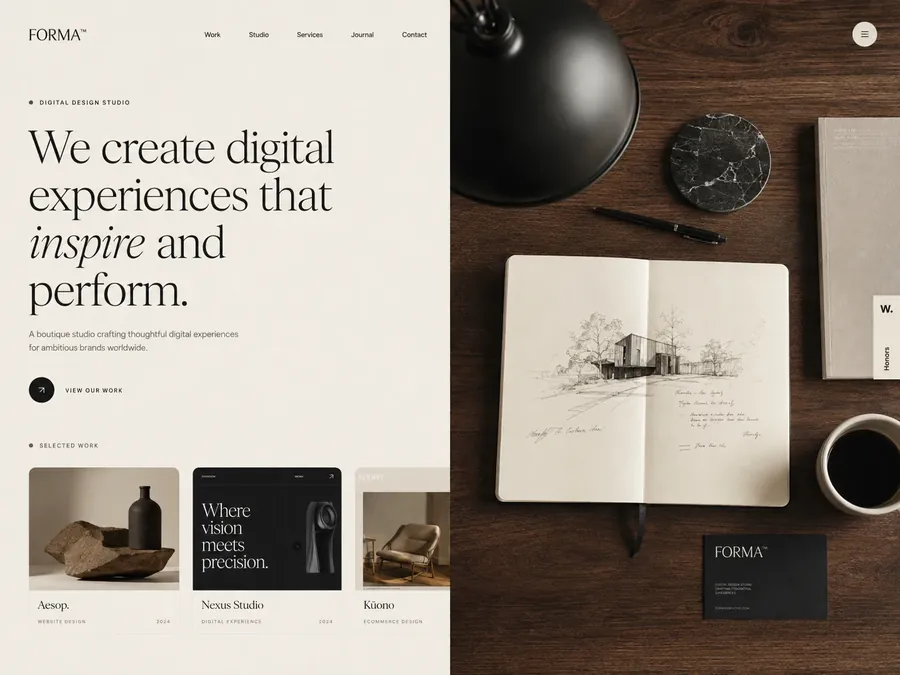
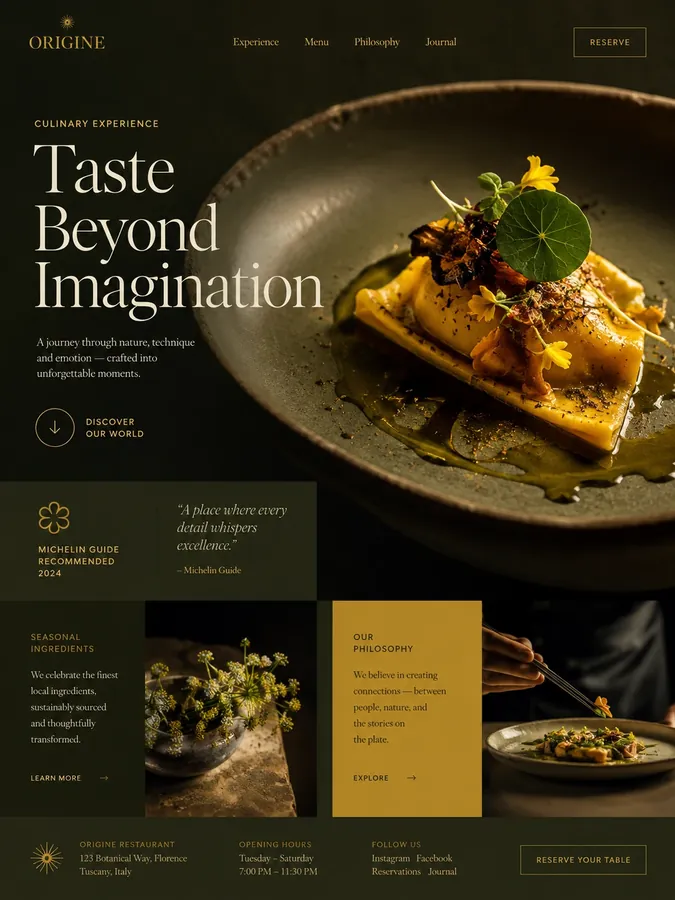
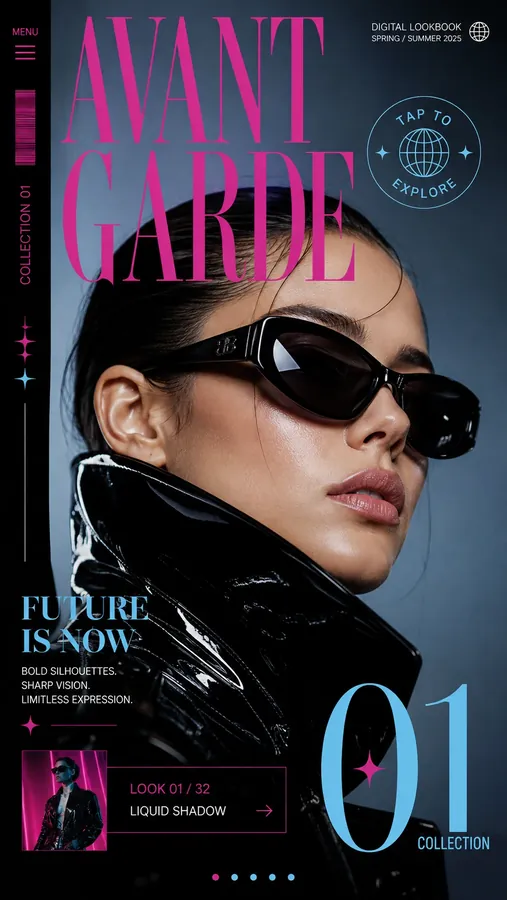
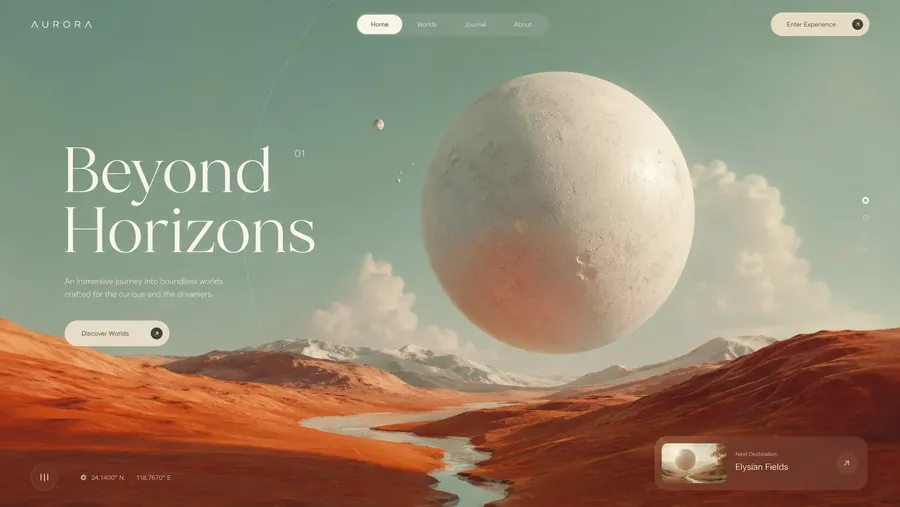
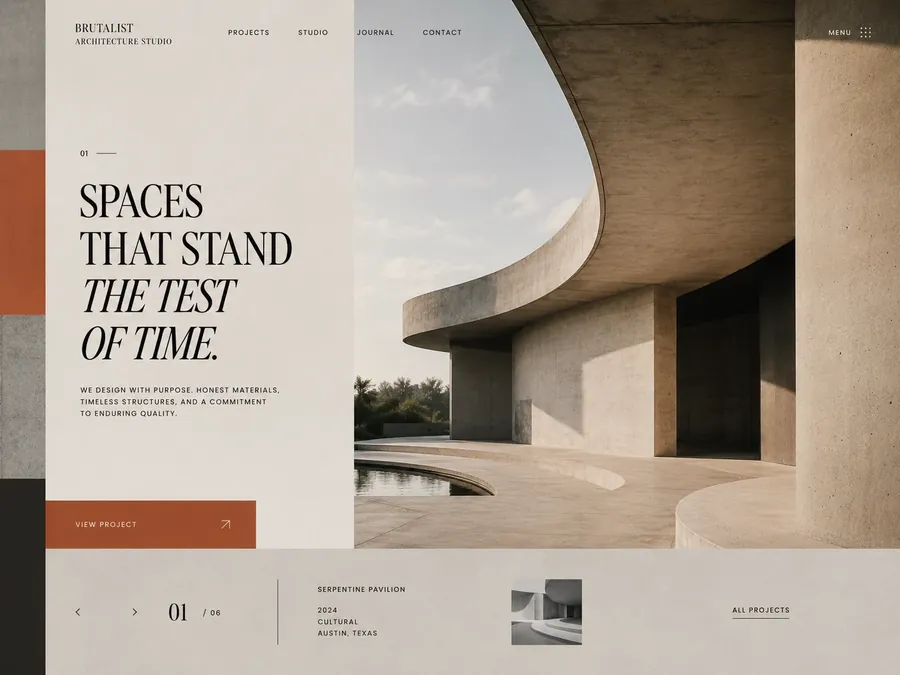

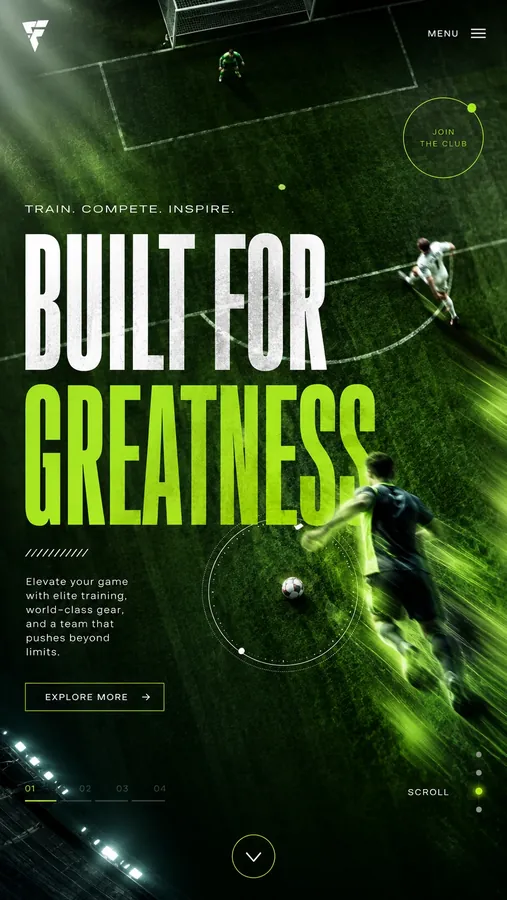
Built with flowmo
Explore work made with flowmo
See what is possible across styles, mediums and formats. A visual direction can develop into a family of work, with each deliverable shaped for its purpose.
Open the right studio for every piece.
Each output on the canvas opens in its own editor, with the brief and direction still attached.
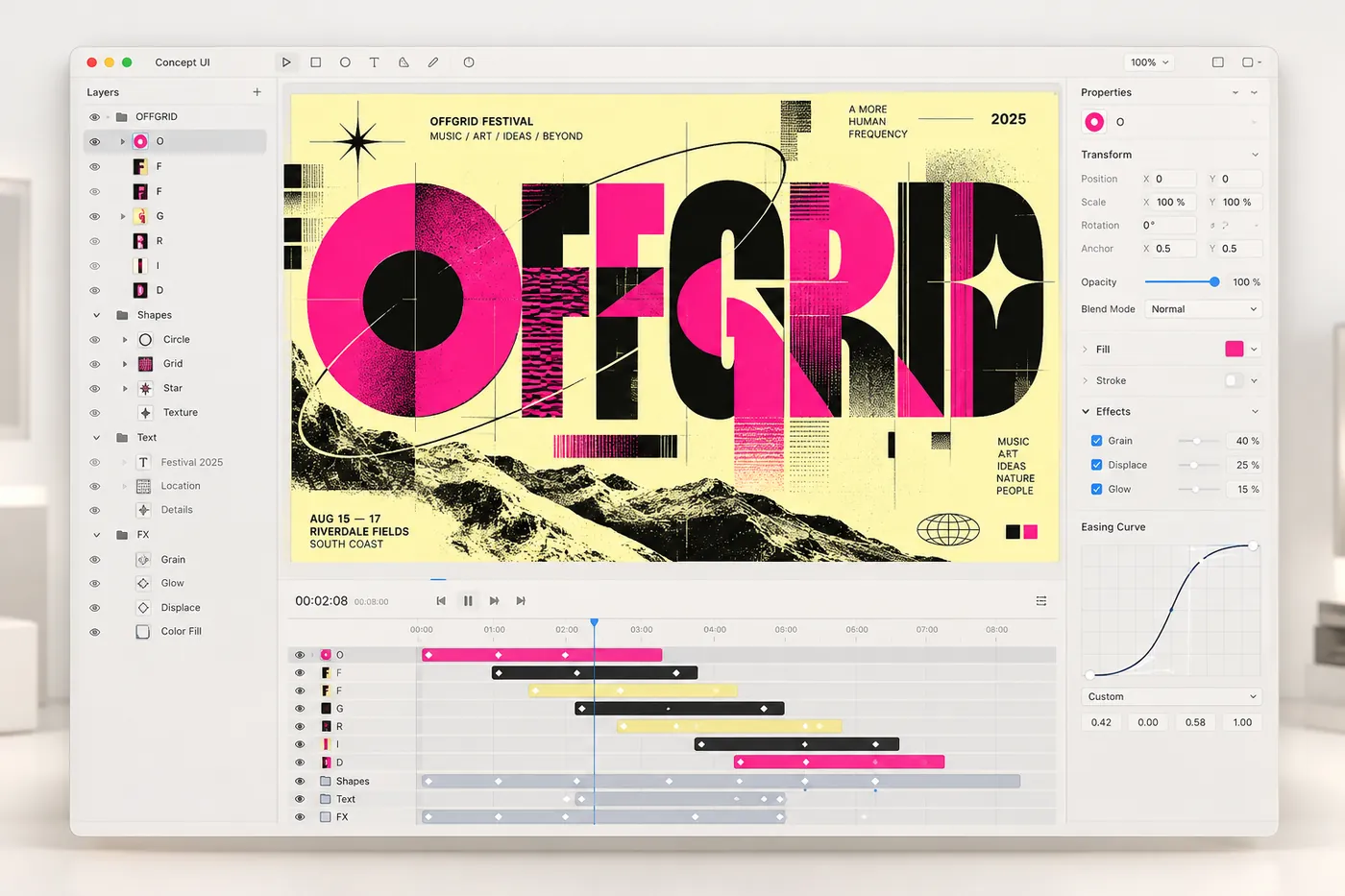
Motion & effects
Bring designs to life with AI motion graphics, animated typography, and visual effects.
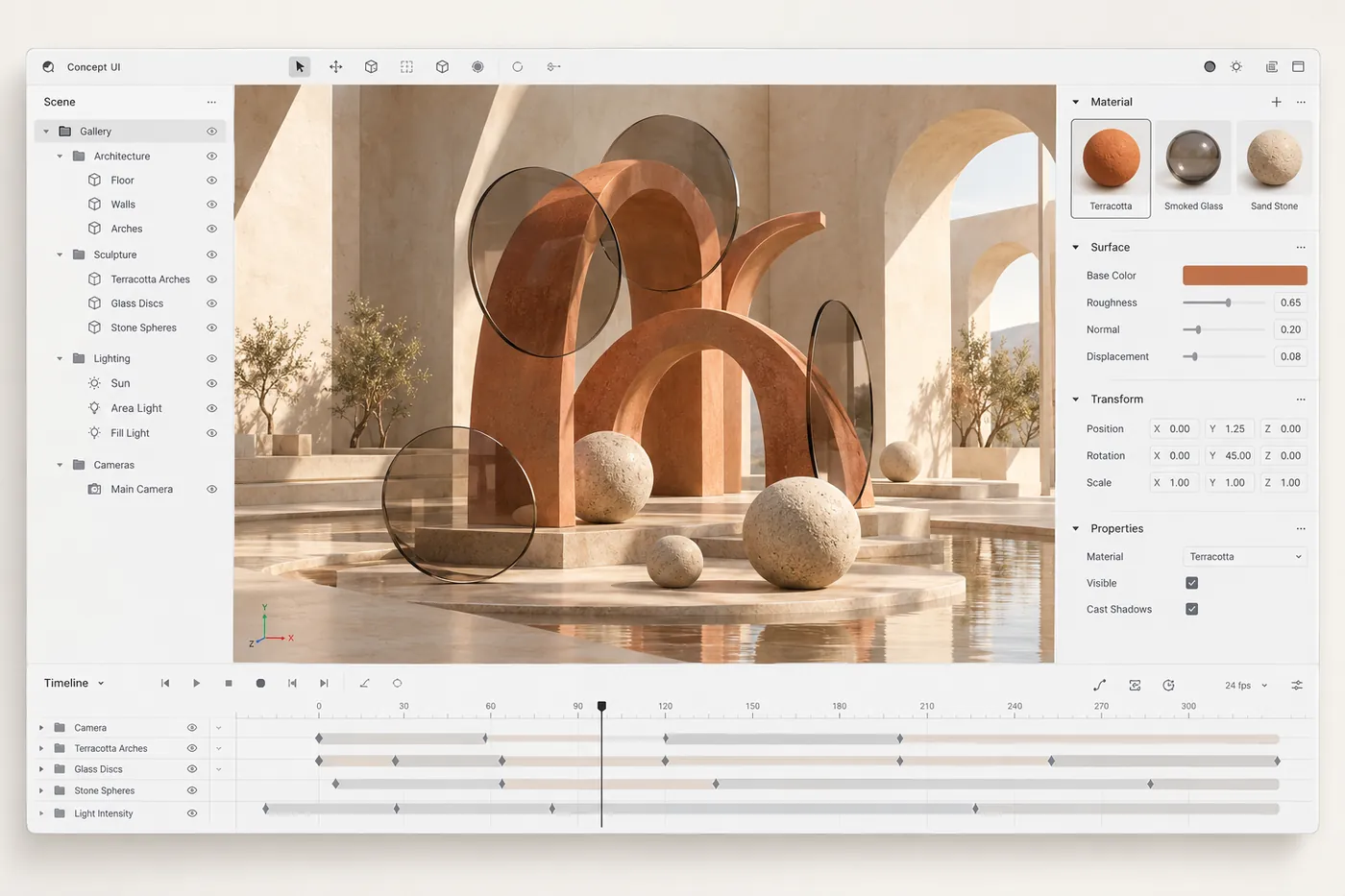
3D scenes
Turn ideas into 3D scenes for product reveals, campaign visuals, and stories with depth.
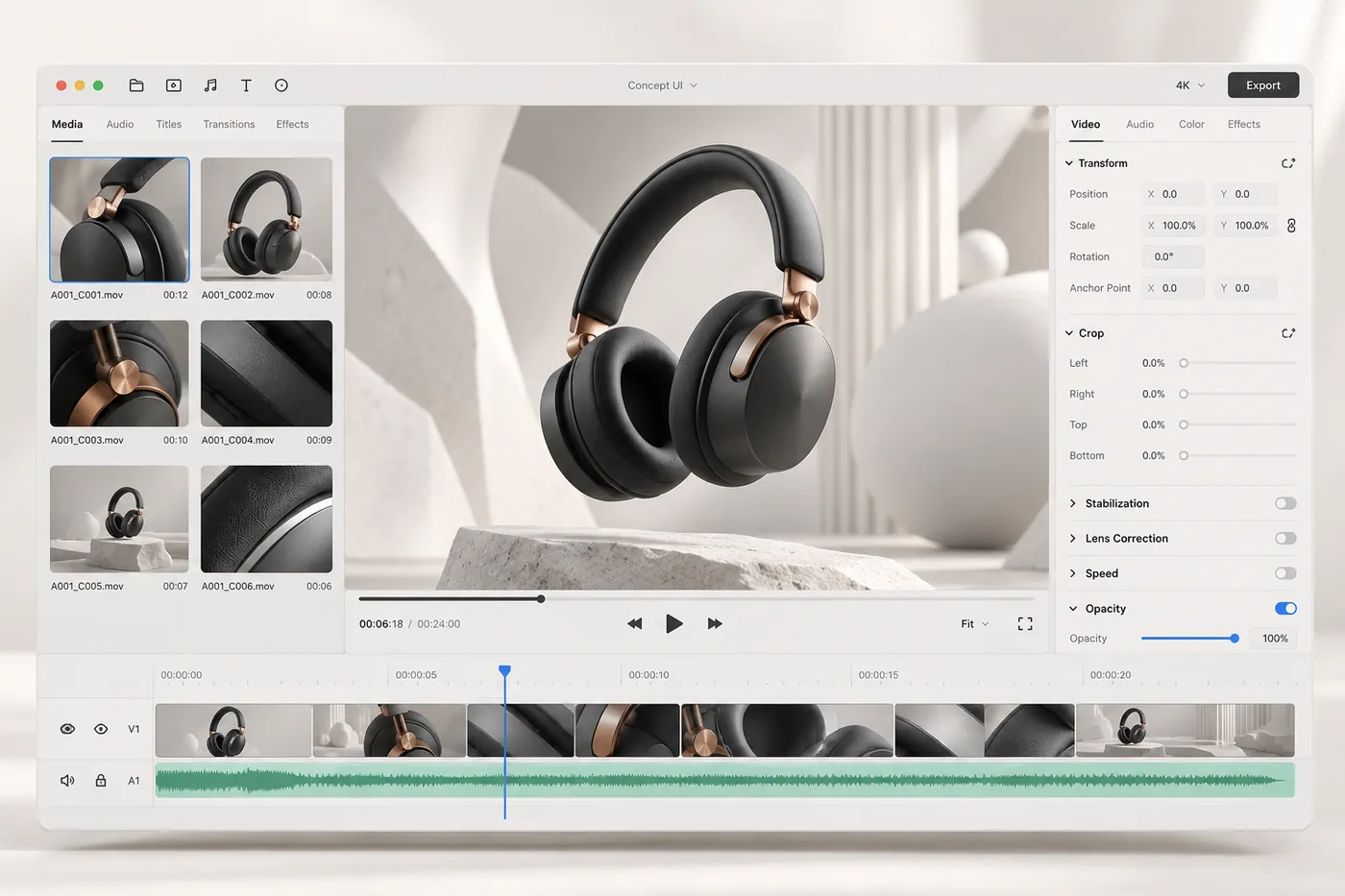
AI video editing
Shape raw footage into a finished story with precise cuts, transitions, and sound.
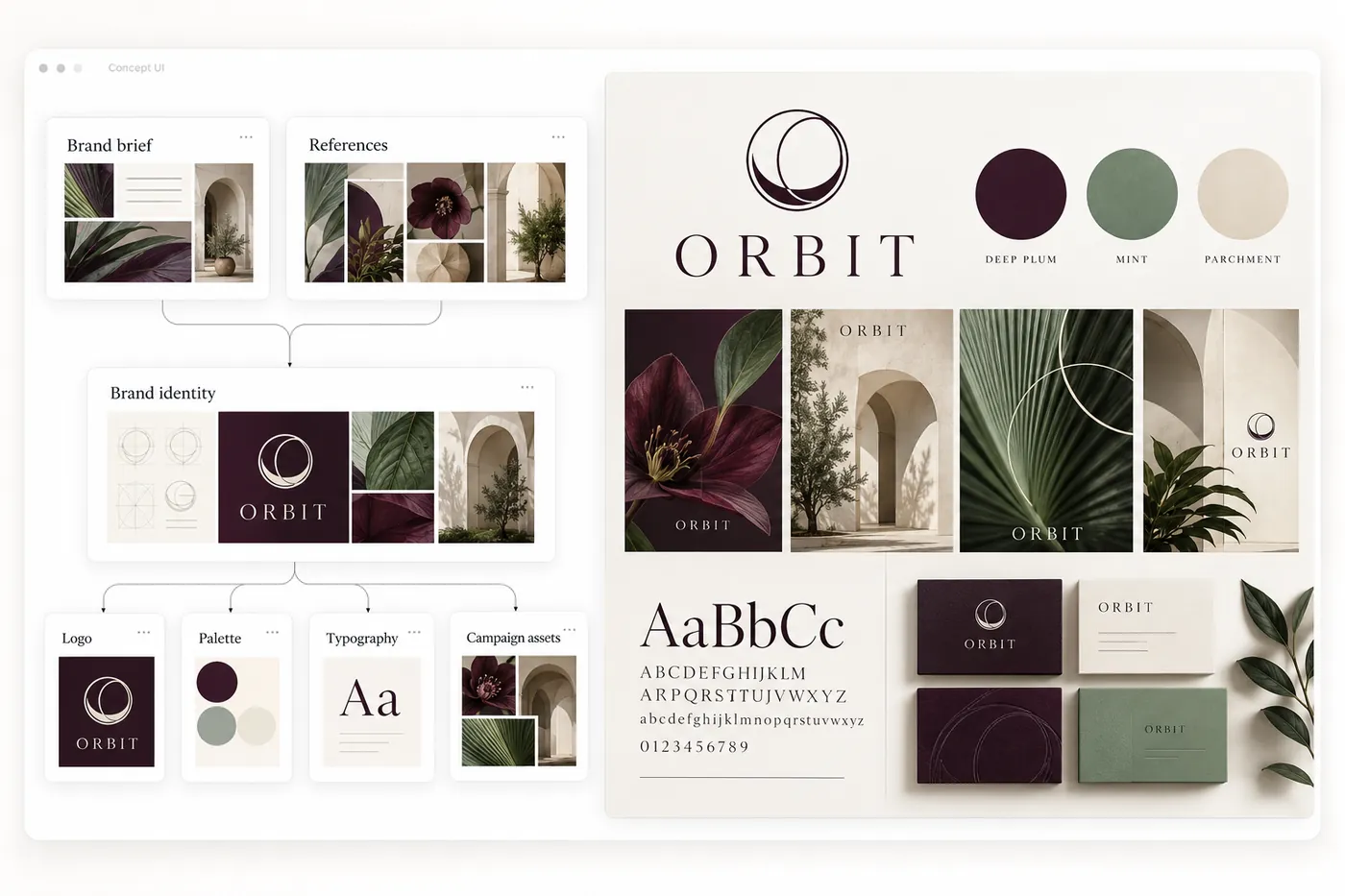
Brand creator kit
Create a cohesive brand kit with logos, colors, typography, and reusable assets.
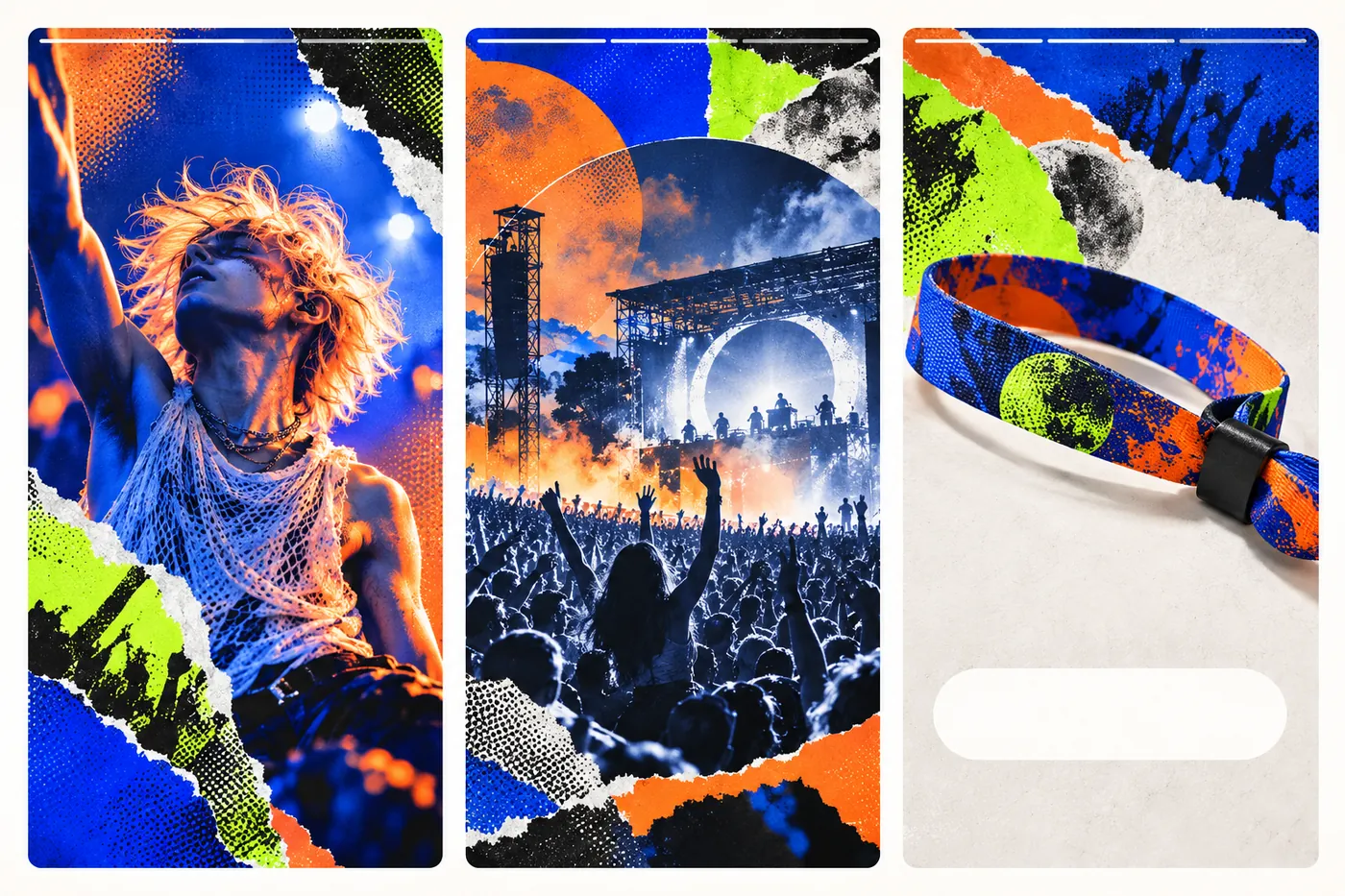
Social reels
Turn one idea into short-form videos for Instagram Reels, TikTok, and YouTube Shorts.
Motion & effects
Bring designs to life with AI motion graphics, animated typography, and visual effects.
3D scenes
Turn ideas into 3D scenes for product reveals, campaign visuals, and stories with depth.
AI video editing
Shape raw footage into a finished story with precise cuts, transitions, and sound.
Brand creator kit
Create a cohesive brand kit with logos, colors, typography, and reusable assets.
Social reels
Turn one idea into short-form videos for Instagram Reels, TikTok, and YouTube Shorts.
Direct the work as it develops.
-
Comment on the canvas
Leave notes on the exact frame, board or section.
-
Pick and compare
Explore routes side by side and keep what fits.
-
Edit the details
Open the editor for hands-on control of any piece.
-
Keep the context
The brief, references and decisions stay connected.
Keep a process you can use again
Save any canvas as a flow and keep its steps and connections. Run your own again, or start from one in the marketplace.


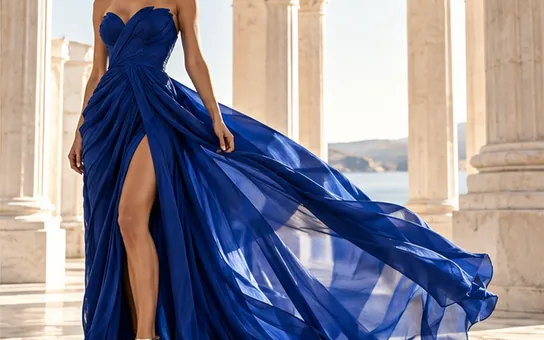

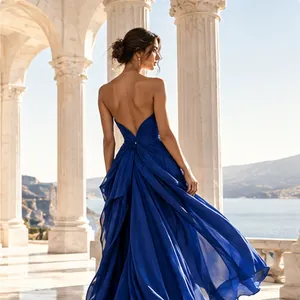
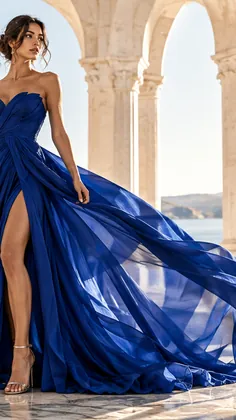
“Launch kit for Brighter, a vitamin C serum. Calm, sunlit, clean ingredients.”

- A brighter routine in one step.
- Clean vitamin C for busy mornings.
- Sunlit, calm, Mediterranean.




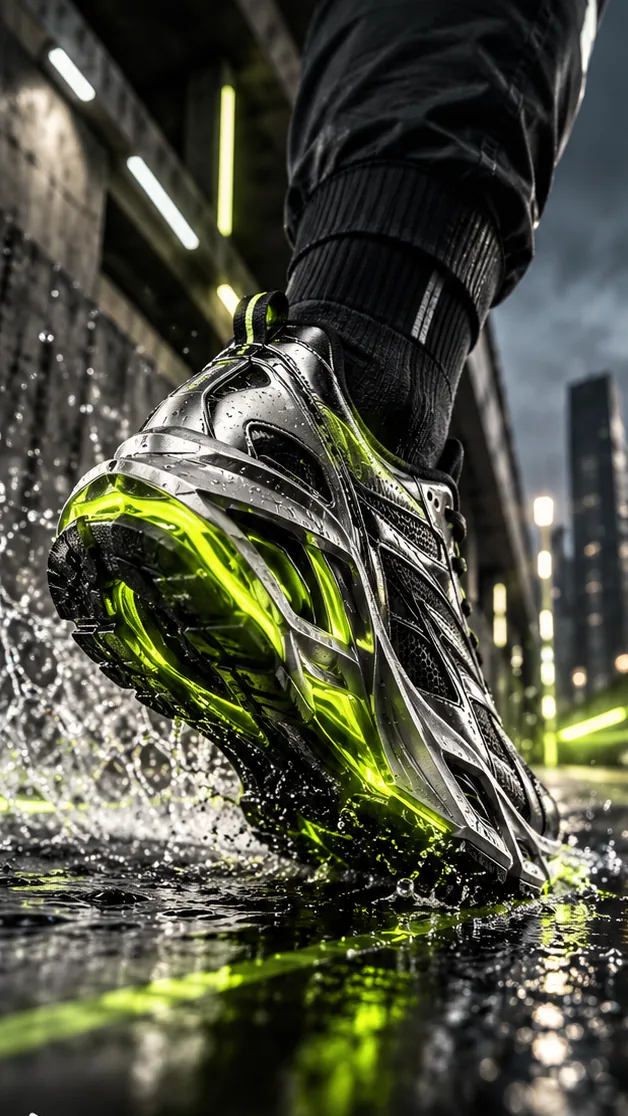
“Spring campaign for Stride. Early runs, fast lines, a coral horizon.”
- Run before the city wakes.
- Motion trails, warm dawn light.
- One line, three formats.




“Landing page for Elevated Living, a furniture studio. One clear call to explore the collection.”



elevated-living, 1 page
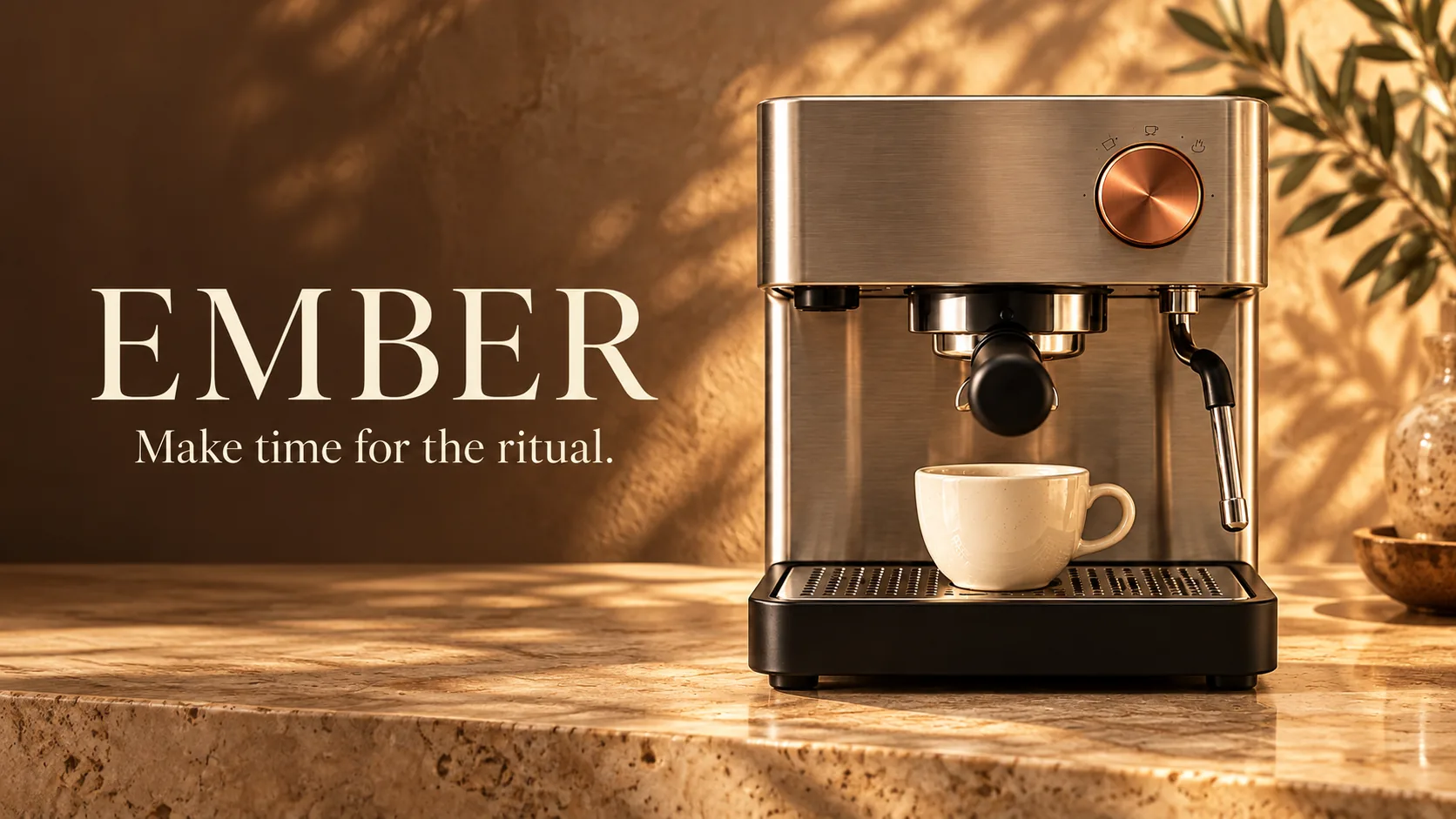
“EMBER espresso machine. Quiet mornings, copper light, real texture. Four shots, 8 seconds.”





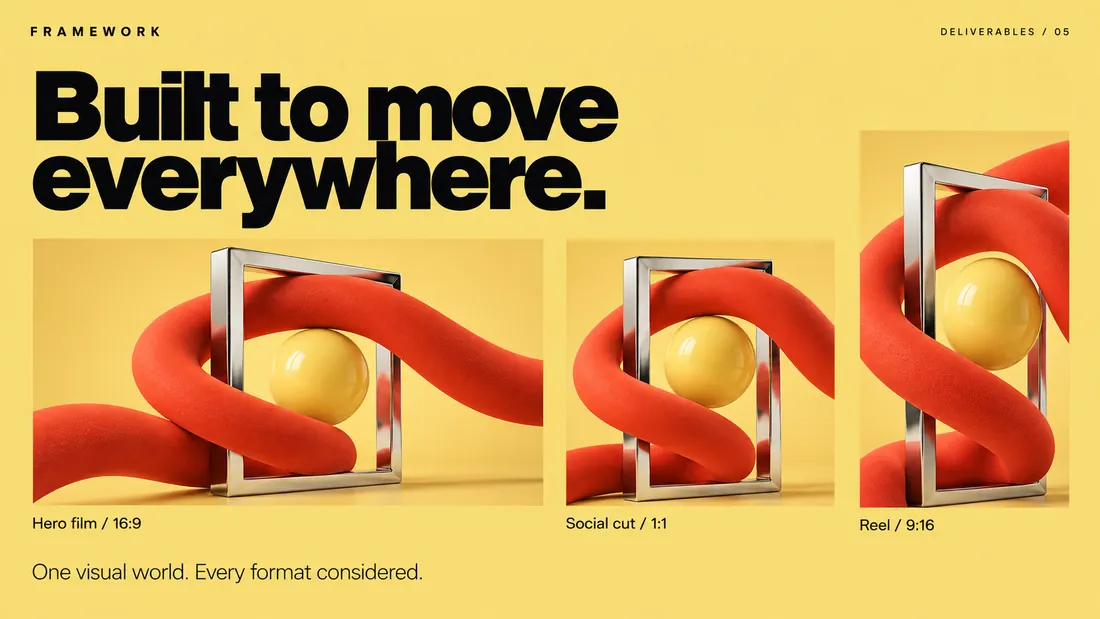
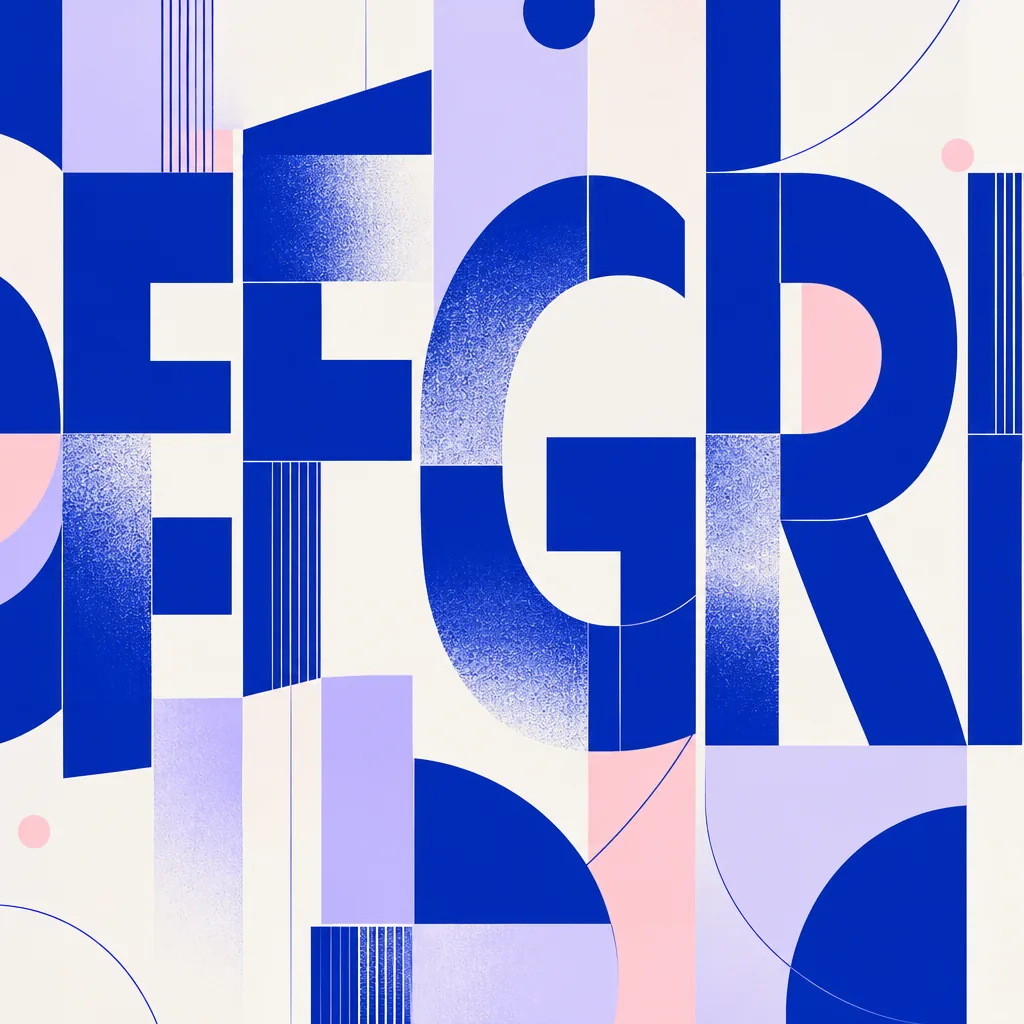
“Terra, a ceramics studio. Warm clay, Mediterranean light, a modern serif.”






PDF, 8 pages
- Break the frame
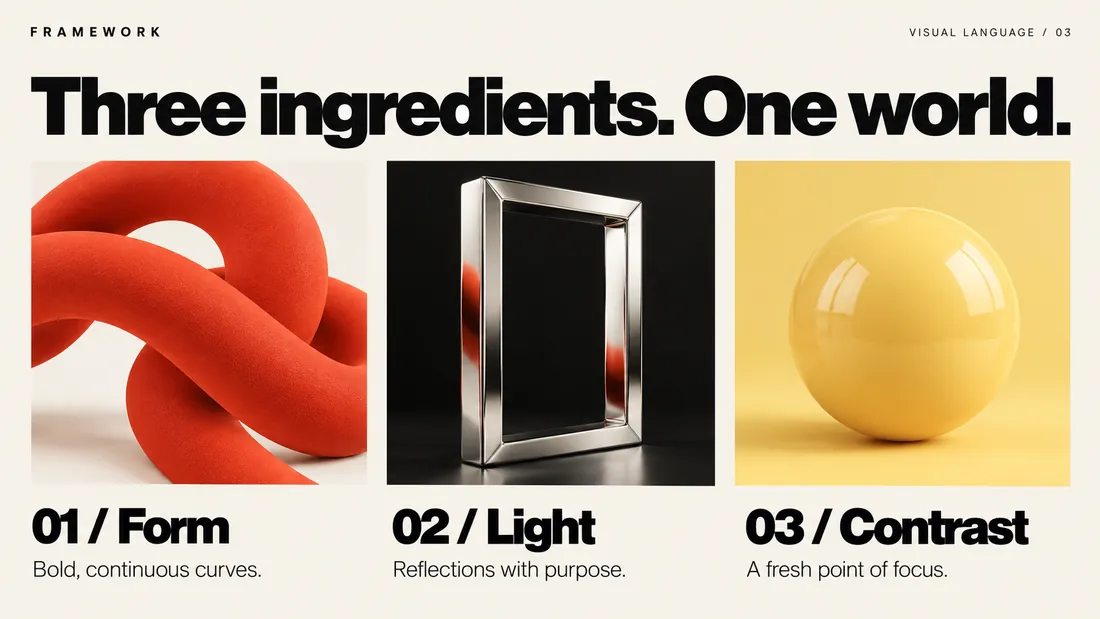
- Three ingredients
- One visual world
- Color with character
- Built to move
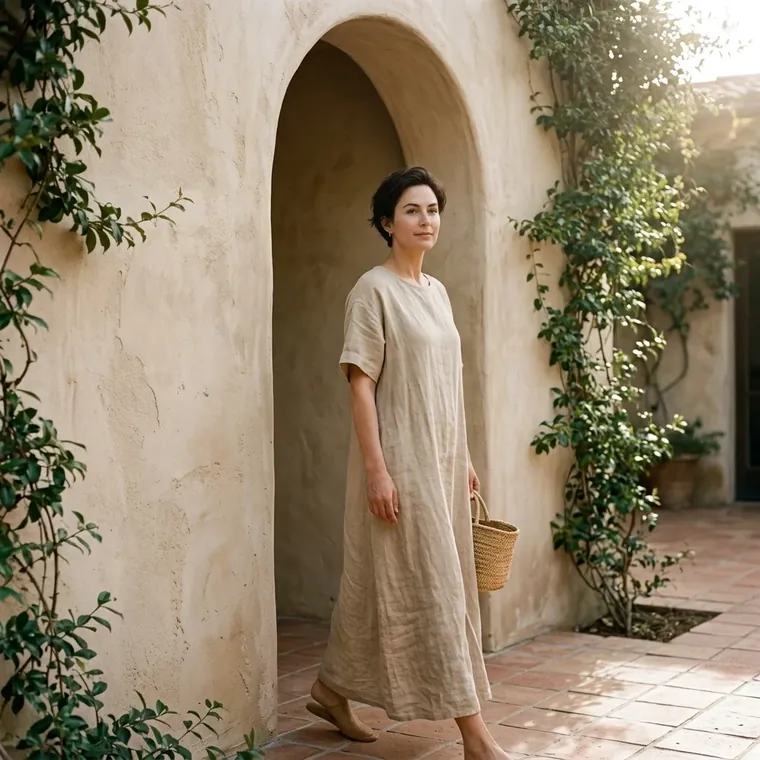
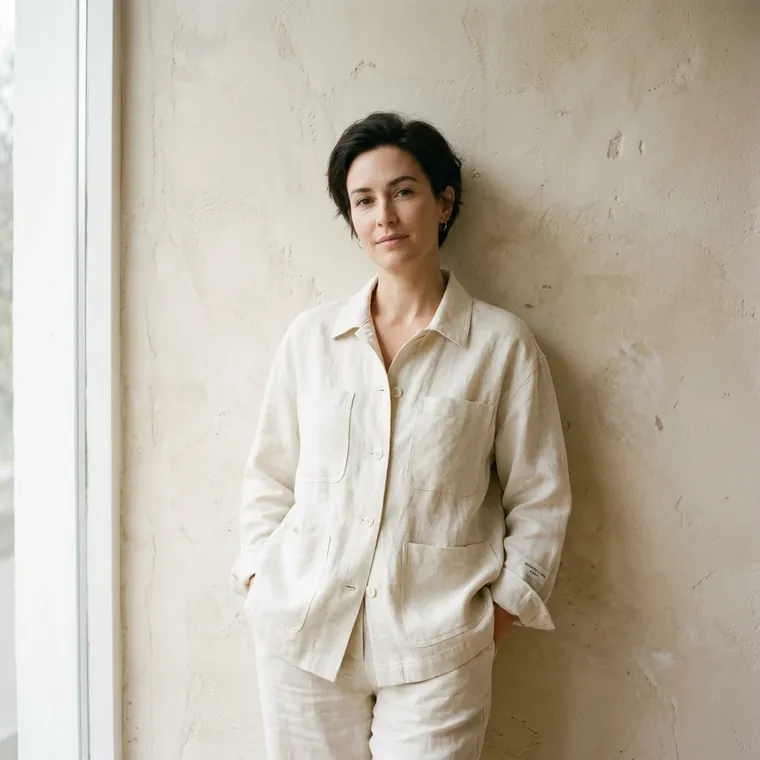
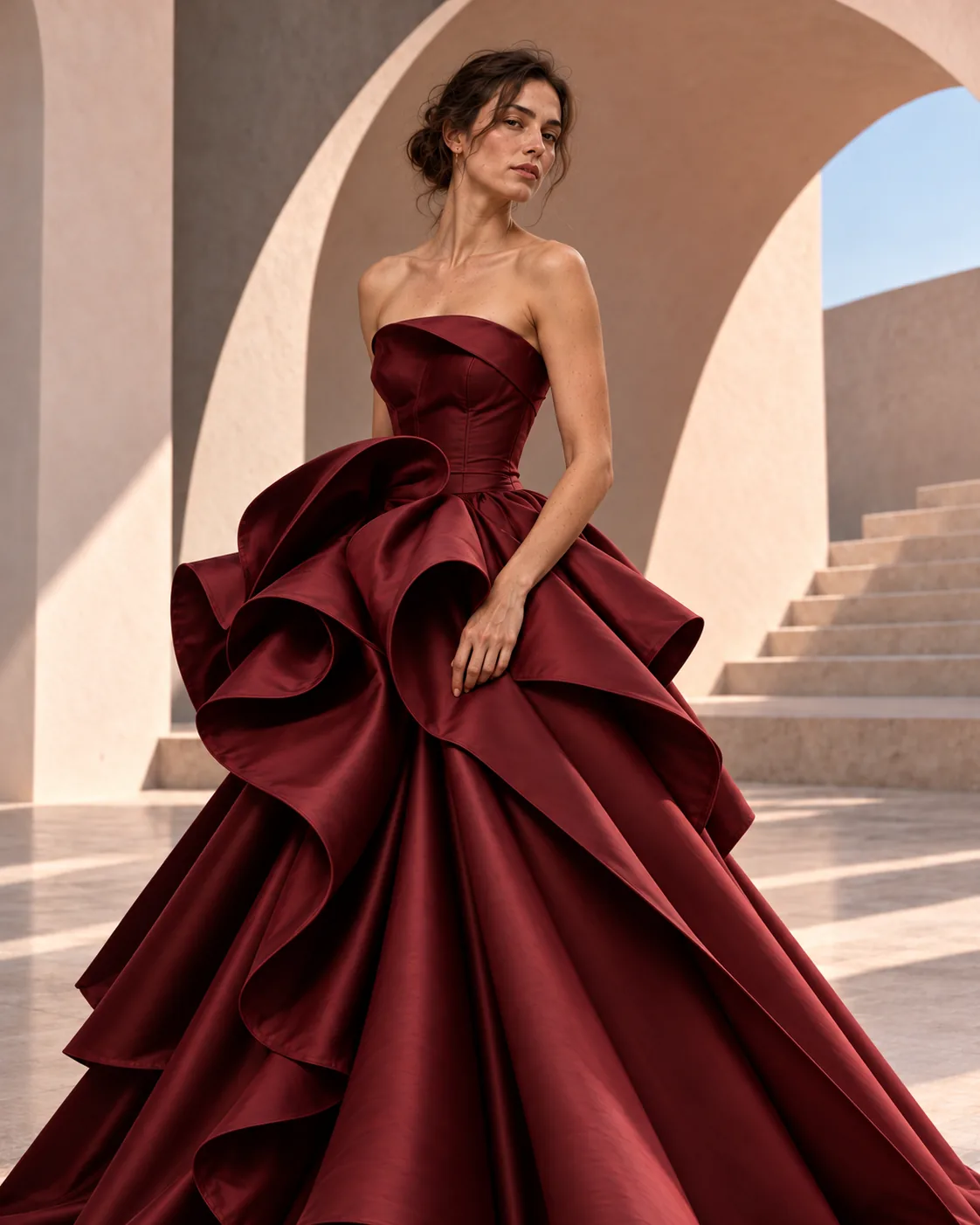
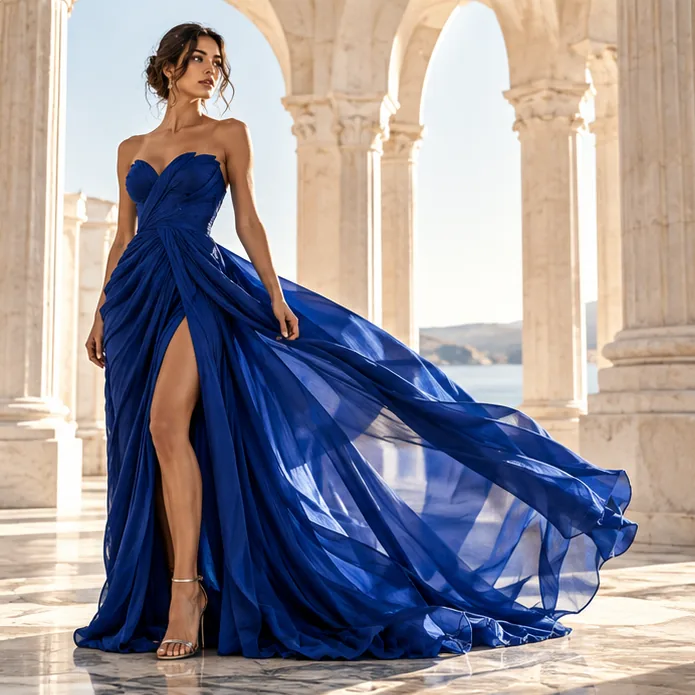
“Linen collection. Plaster walls, soft north light, quiet poses, four looks.”



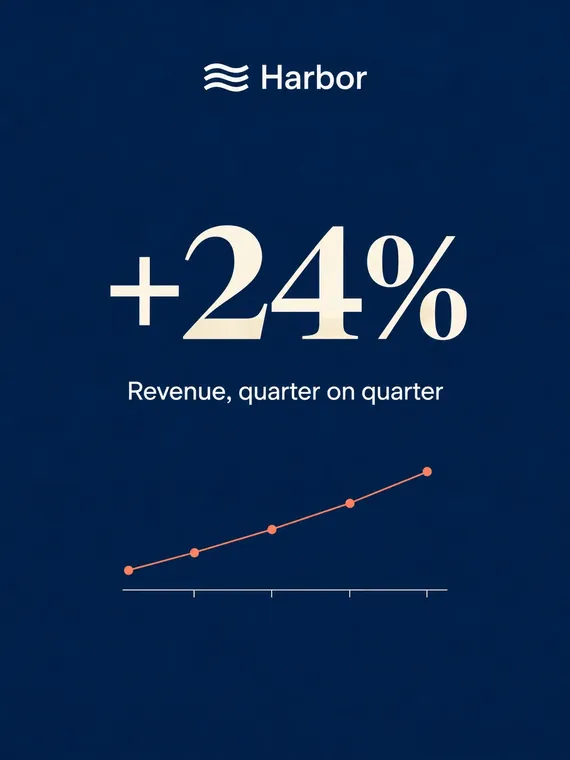
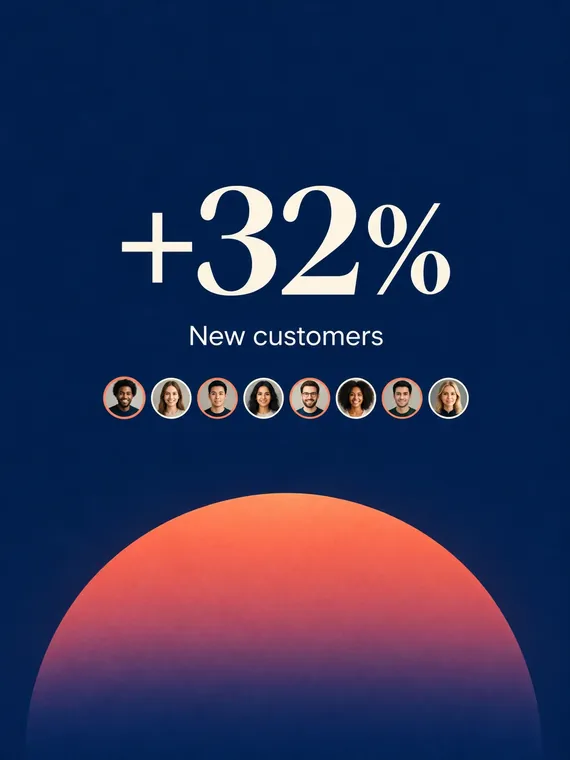
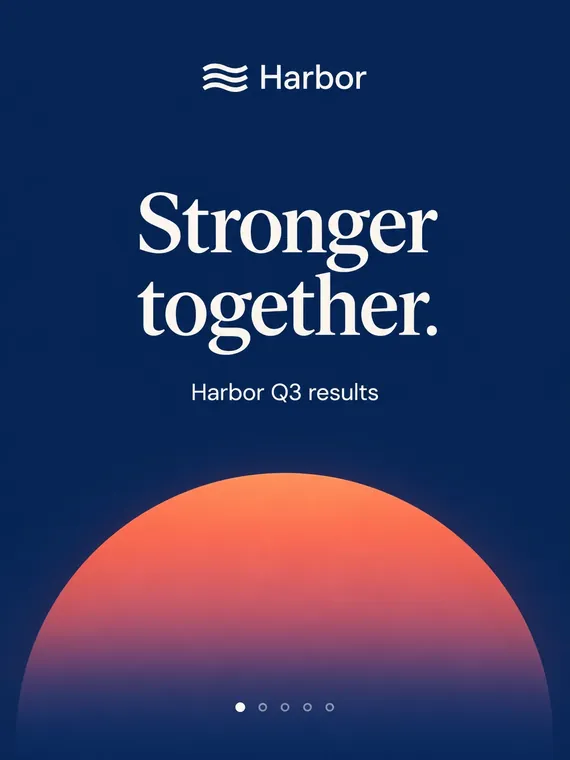
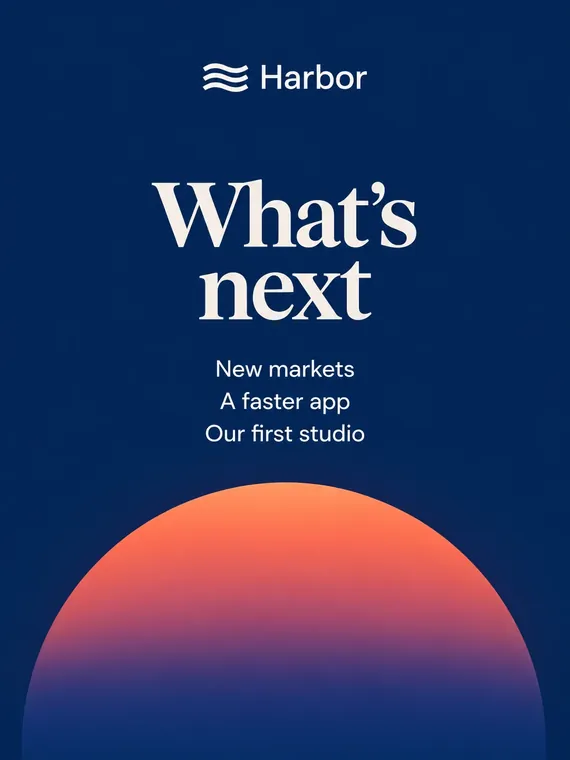
“Q3 results for LinkedIn. Five slides, one number each, warm and confident.”
- Stronger together
- Revenue +24%
- Customers +32%
- $118M raised
- What's next

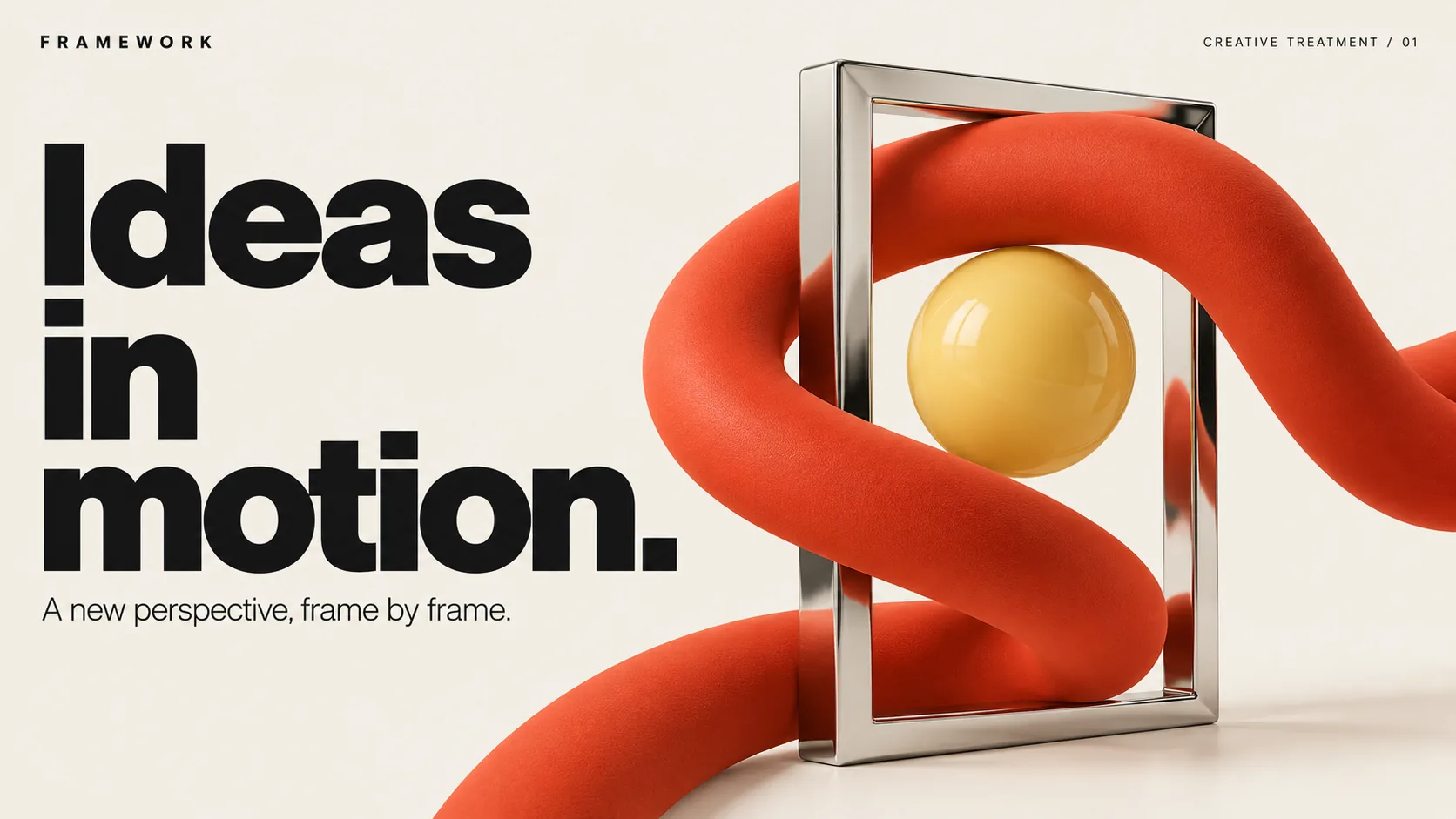
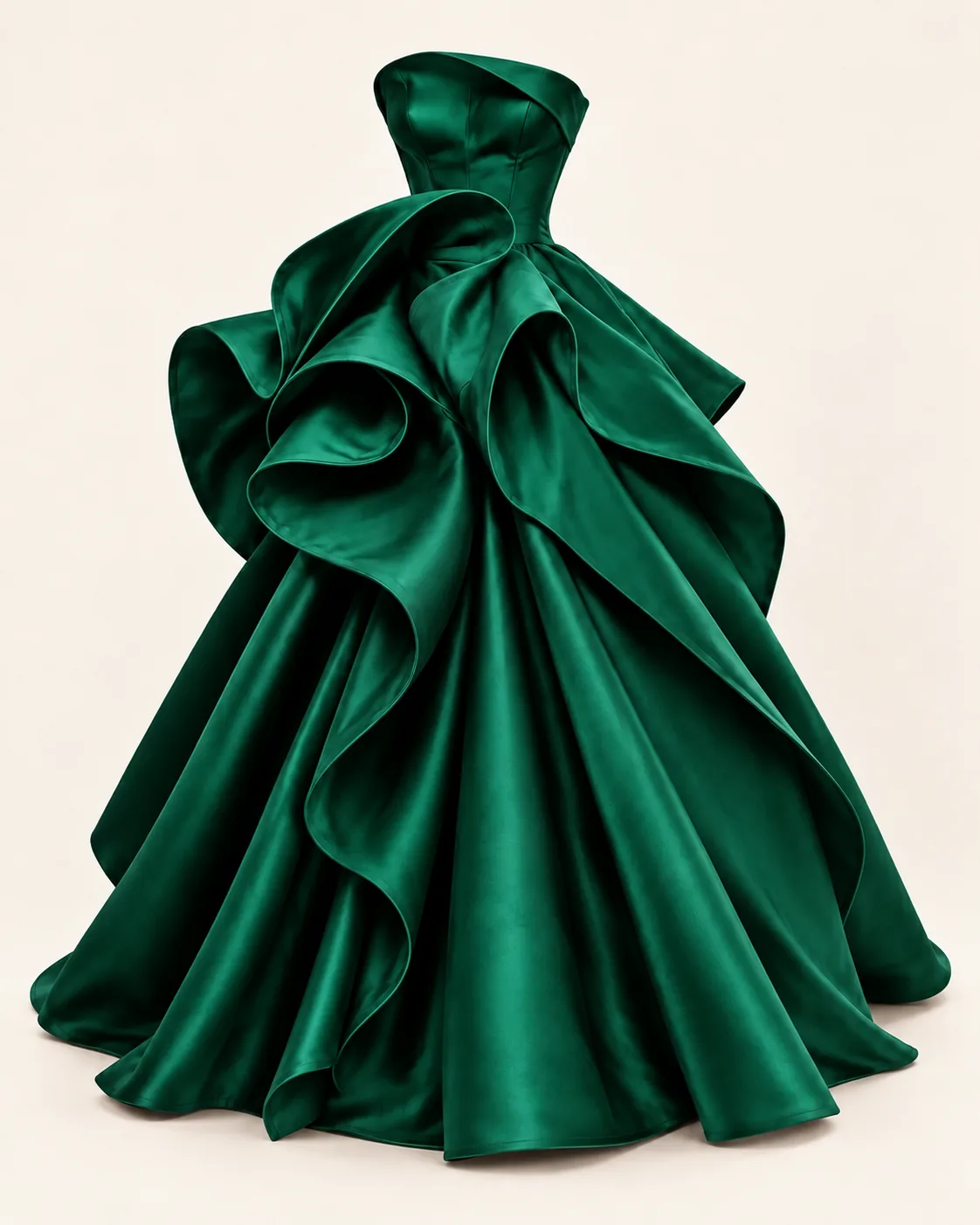
Every format the work needs.
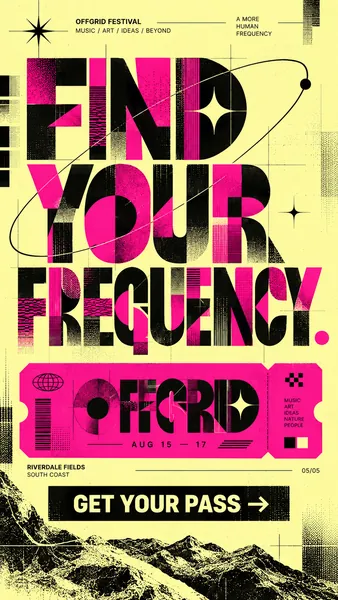
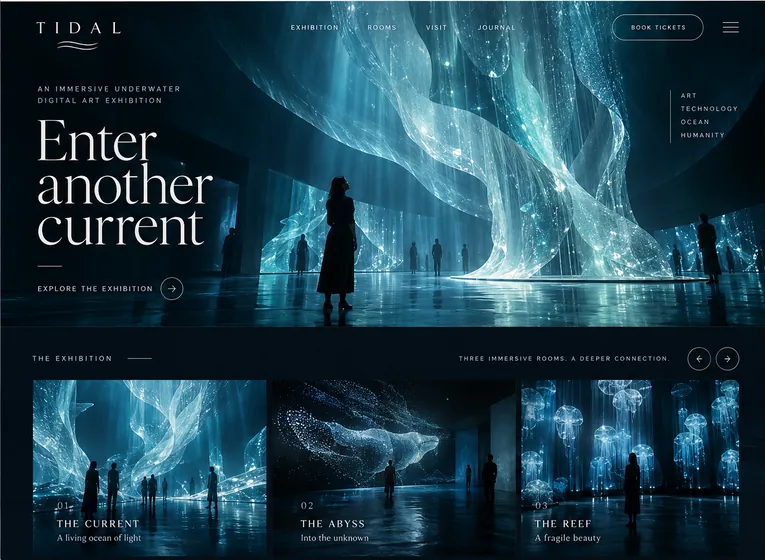
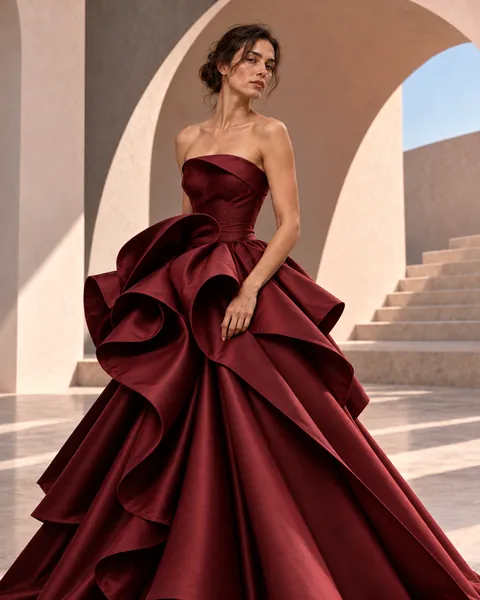
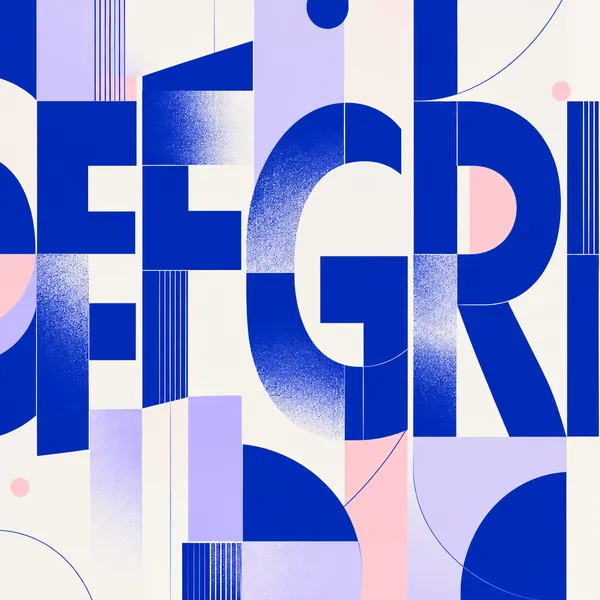
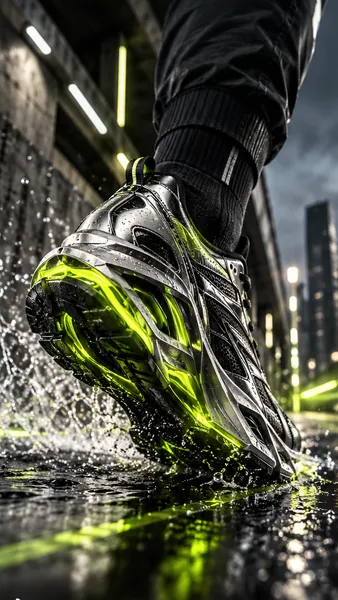
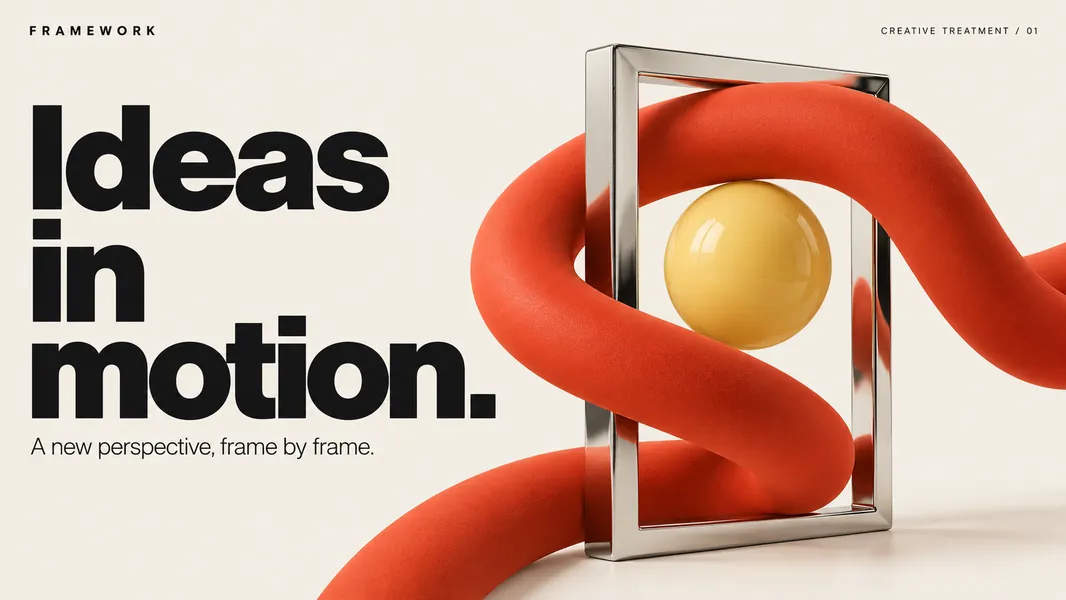
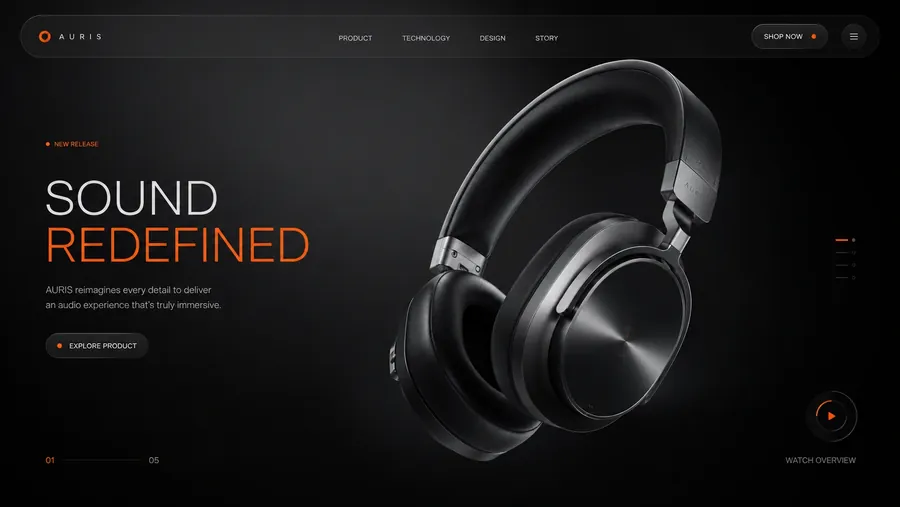
Stories, posters, social posts, campaign images and landing pages, each shaped for where it runs.





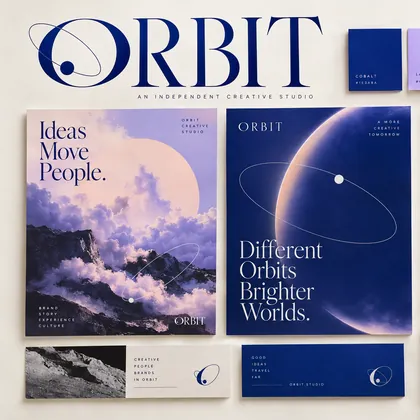
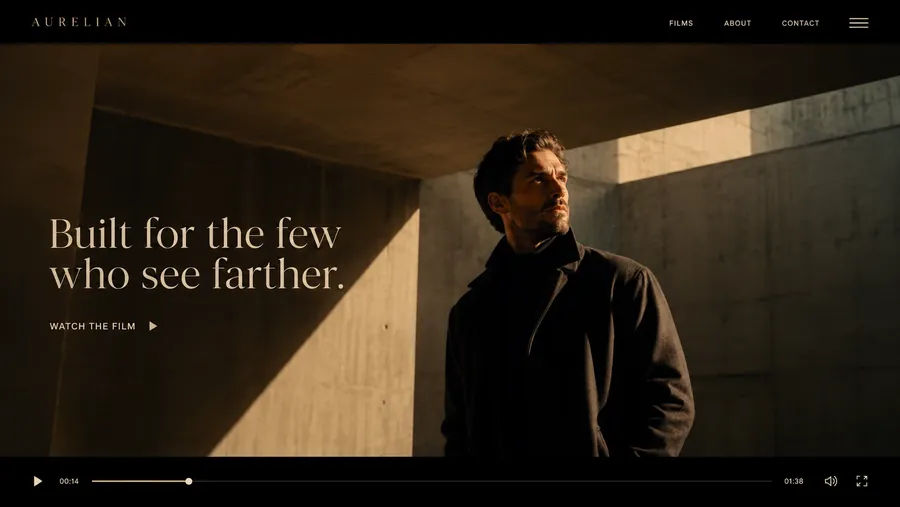
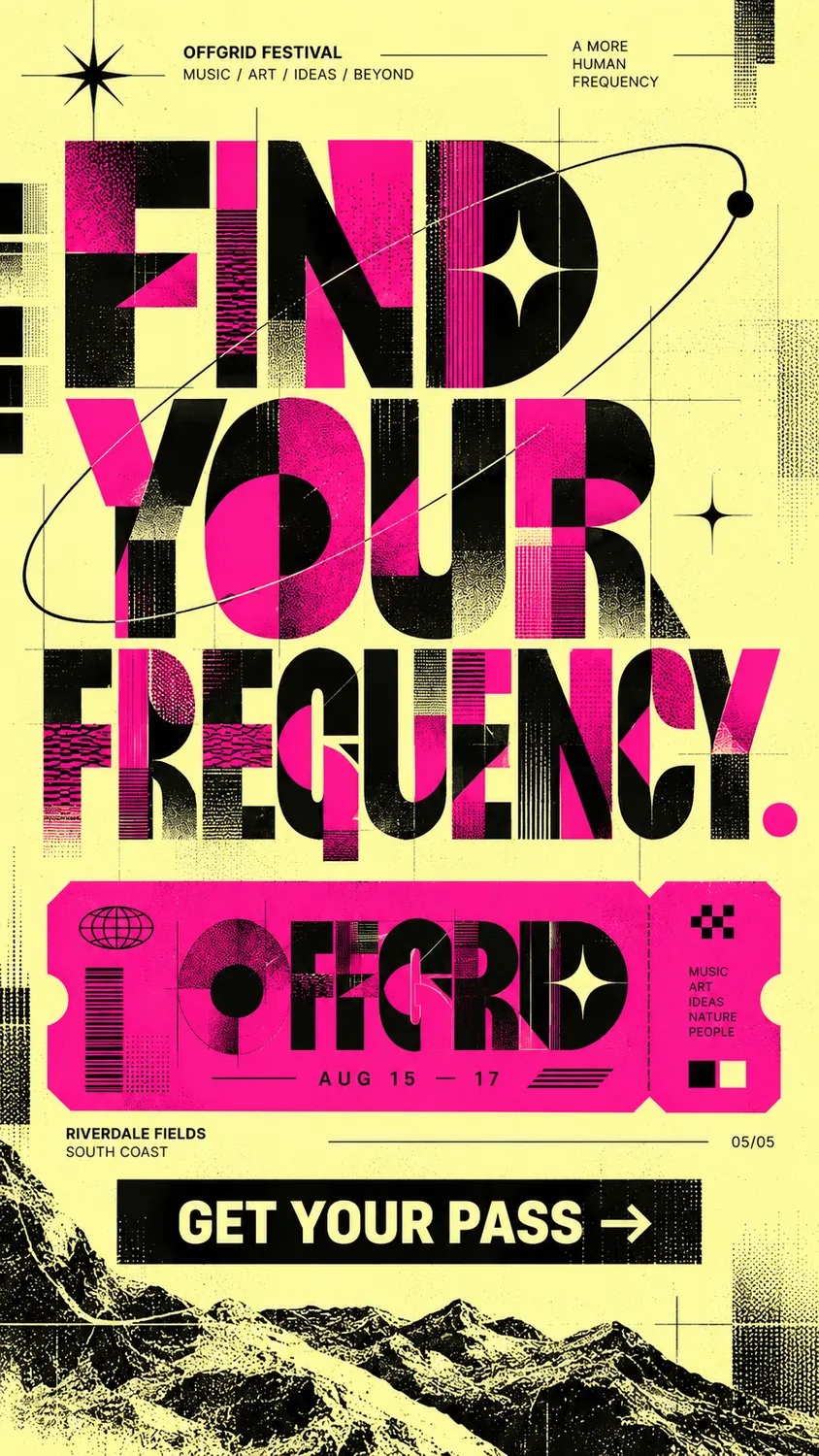
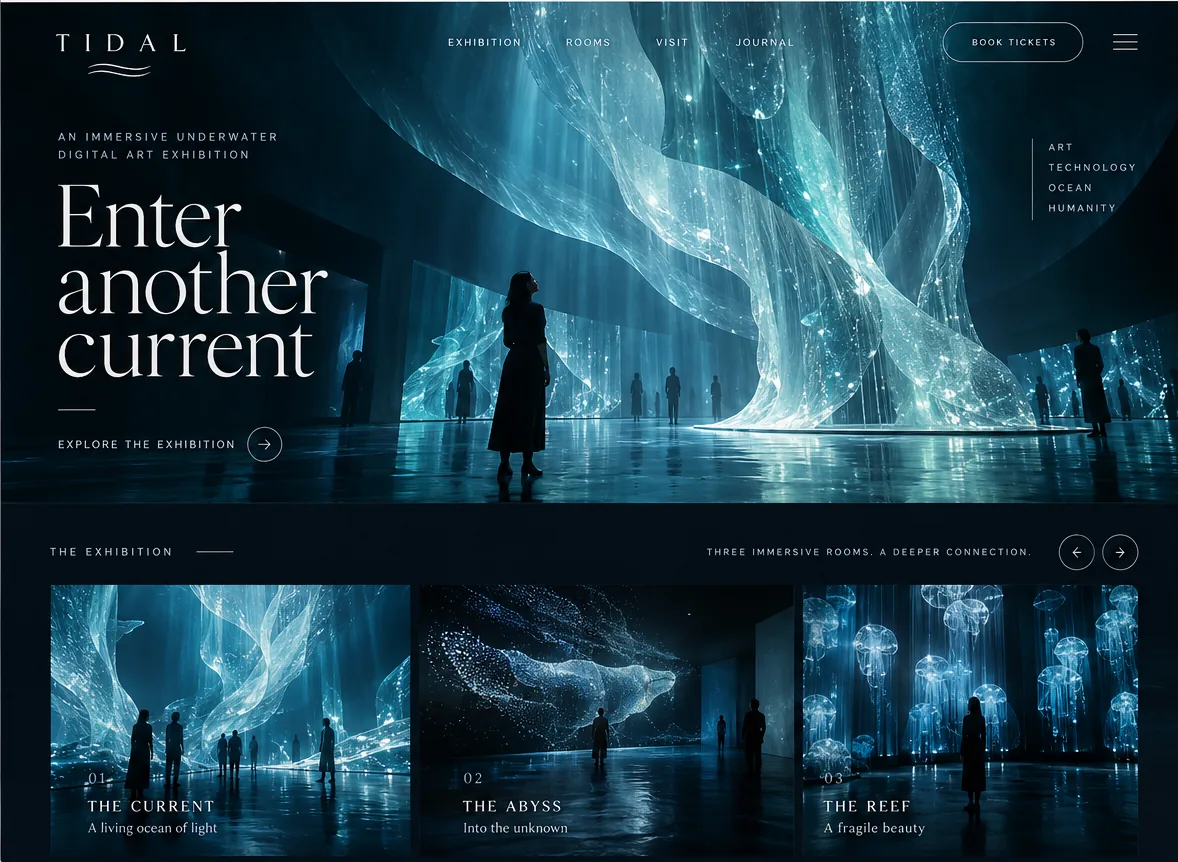




The right tool at the right step
flowmo integrates leading generative models and development tools seamlessly into your creative flow, keeping you focused entirely on directing the output.
 Google
Gemini, Veo 3.1, Imagen 4, Nano Banana, Lyria 3
Google
Gemini, Veo 3.1, Imagen 4, Nano Banana, Lyria 3
 OpenAI
GPT-6, GPT Image 2.5
OpenAI
GPT-6, GPT Image 2.5
 Runway
Gen-4
Runway
Gen-4
 Luma AI
Ray 2
Luma AI
Ray 2
 Kling AI
Kling 3 Omni, Avatar Pro
Kling AI
Kling 3 Omni, Avatar Pro
 ByteDance Seed
Seedance 2.5, Seedream 5
ByteDance Seed
Seedance 2.5, Seedream 5
 MiniMax
Hailuo 2.3, H3, Music 3
MiniMax
Hailuo 2.3, H3, Music 3
 Black Forest Labs
FLUX.2, FLUX 3 Video
Black Forest Labs
FLUX.2, FLUX 3 Video
 Lightricks
LTX 2.5
Lightricks
LTX 2.5
 PixVerse
V6
PixVerse
V6
 Krea
Krea 2
Krea
Krea 2
 Recraft
Upscale, background removal
Recraft
Upscale, background removal
 Ideogram
V3 Layerize
Ideogram
V3 Layerize
 Anthropic
Claude Opus, Sonnet, Haiku
Anthropic
Claude Opus, Sonnet, Haiku
 xAI
Grok 4.7, Grok Imagine
xAI
Grok 4.7, Grok Imagine
 Alibaba Qwen
Qwen3.8, Qwen Image, Wan 3.0
Alibaba Qwen
Qwen3.8, Qwen Image, Wan 3.0
 DeepSeek
V4 Pro, Flash
DeepSeek
V4 Pro, Flash
 Moonshot AI
Kimi K3
Moonshot AI
Kimi K3
 Z.ai
GLM 5.3
Z.ai
GLM 5.3
 Xiaomi
MiMo V2.6
Xiaomi
MiMo V2.6
 ElevenLabs
Voice, music, sound effects
ElevenLabs
Voice, music, sound effects
 Suno
Suno Studio
Suno
Suno Studio
 Tencent
Hunyuan Avatar
Tencent
Hunyuan Avatar
 sync.
Sync 3 lip sync
sync.
Sync 3 lip sync
Frequently asked questions
Learn more about flowmo
What would you like to know? Pick a question, or search the Help Center's guides for every editor and node.
What is flowmo?
A creative flow platform: direction, AI tools and production in one connected process.
Start here (opens in a new tab)Who is flowmo for?
Creative directors, agencies, creators and design teams who direct connected work.
Start here (opens in a new tab)What can I make with flowmo?
Launches, campaigns, landing pages, product videos, visual directions and decks.
Three ways to start (opens in a new tab)What is a flow?
A process built around one outcome, with its inputs, stages and outputs connected.
Canvas and flows (opens in a new tab)Can I start with assets or work I already have?
Yes. Bring a brief, a reference, a brand asset or unfinished work.
Your first Flowgen task (opens in a new tab)Do I need a Brand to start?
No. A Brand is optional; a brief and references are enough to start.
Your first Flowgen task (opens in a new tab)How much creative control do I have?
You make the creative decisions, and the editors give you hands-on control.
Media and editors (opens in a new tab)How does flowmo keep different deliverables connected?
The context and the chosen direction carry across every piece of the project.
Brain and data (opens in a new tab)Do I need to choose an AI model before I begin?
No. Describe what you want; the flow brings in the right capabilities.
Brain, models and AI (opens in a new tab)Can I reuse a flow for another project?
Yes. Run the same structure on a new brief, product or client.
Canvas and flows (opens in a new tab)How does pricing work, and when can I review the cost?
Work is priced in flowies, and you review a quote before any paid run.
Account and billing (opens in a new tab)How do I share or deliver the finished work?
Share, export or publish from the editor you are working in.
Publish and export (opens in a new tab)Which models are available in flowmo?
More than 150 models for text, video, image, audio and 3D, updated daily.
Models and pricingHow much does it cost to use AI models in flowmo?
The most cost-effective model for each task, or any model you pick, priced in flowies.
See pricingWhat is flowmo?
flowmo is a human-directed AI creative flow platform that connects creative direction, AI tools and production in reusable flows. You can develop an idea, reference, document or existing asset into visual and interactive work while keeping the project's context, decisions and deliverables connected.
Who is flowmo for?
flowmo is for creative directors, agencies, creators and design teams who want to direct creative work across connected deliverables. An agency can use a flow to develop a client brief; a creator can use the same approach to carry an idea through the assets it needs.
What can I make with flowmo?
You can make product launches, brand campaigns, landing pages, product videos, visual directions and decks. Start with one deliverable or develop a family of work around the same idea. The stages and capabilities you use depend on the outcome you choose.
What is a flow?
A flow is a creative process built around a specific outcome. It connects the inputs, stages and outputs of the work, brings relevant capabilities into the process and gives you places to explore, make decisions and refine what gets made.
Can I start with assets or work I already have?
Yes. You can start with an idea, brief, document, reference, brand asset, existing design, image or unfinished piece of work. Supply the material that helps explain the outcome and direction you want to develop.
Do I need a Brand to start?
No. Brand context is optional. You can create or connect a Brand when reusable identity information will help guide the work, or begin with your brief and references. The getting started guide explains the starting choices.
How much creative control do I have?
You direct the creative decisions. Explore different routes, choose a direction, keep the parts that work and refine individual elements. Supported editing stages give you hands-on control when you want to work directly on the details.
How does flowmo keep different deliverables connected?
flowmo carries the project's context, brand references and chosen creative direction across the work. A landing page, film, deck and visual asset can share the same creative world while each has its own expression. Review the individual pieces and the relationship between them as you refine the project.
Do I need to choose an AI model before I begin?
No model expertise is required to start. Describe what you want to make and bring relevant context. Flows can bring research, writing, image, video, motion, design and web capabilities into the process where they are useful.
Which models are available in flowmo?
Text
- GPT-5.6 Sol
- Claude Opus 5
- Kimi K3
- GLM 5.3
- Grok 4.6
- Gemini 3.7 Flash
- Qwen3.8 Max
- DeepSeek V4 Flash
- DeepSeek V4 Pro
- Muse Spark 1.1
- Claude Sonnet 5
- GPT-5.6 Luna
- GPT-5.6 Terra
- Gemini 3.1 Flash Lite
- Gemini 3.5 Flash Lite
- Gemini 3.1 Pro
- Claude Haiku 4.5
Video
- Seedance 2.5
- Kling 3o
- Minimax H3
- Seedance 2.0
- Kling v3
- Gemini Omni Flash
- LTX 2.5
- Grok Imagine Video
- FLUX 3 Video
- Seedance 2.0 Mini
- Seedance 2.0 Fast
- Veo 3.1 Lite
- Happy Horse 1.1
- Kling 3 Motion
- Veo 3.1
- Veo 3.1 Fast
- Lucy 2.5 Realtime
- Wan 2.7
- LTX-2
- LTX-2.3
- Luma Ray 2
- Minimax Hailuo 2.3
- Runway Gen-4 Turbo
- Higgsfield DoP
- HeyGen Avatar V
- HeyGen Avatar IV Image
- FlashTalk
- Hunyuan Avatar
- Kling Avatar Pro
- HeyGen Video Avatar
- VEED Lip Sync
- LatentSync
- Kling Lip Sync
- HeyGen Lip Sync
- Sync LipSync 3
- Hedra (Character-3)
- D-ID
Image
- GPT Image 2
- Grok Imagine 2
- Nano Banana 2
- Seedream 5
- Nano Banana 2 Lite
- FLUX.2
- FLUX Pro
- Nano Banana Pro
- Ideogram V3 Text Layers
- Qwen Layered Image
- Krea 2 Turbo
- Qwen Image 3
- Qwen Image 3 Edit
- Z-Image
- Recraft
- Mask by Text
- Topaz Image Upscale
- Krea 2
- Boogu Image
- Grok Imagine
- Riverflow v2.5
- Runway Gen-4 Image
Audio
- ElevenLabs TTS
- Google TTS
- Gemini Flash TTS
- Seed Audio 1.0
- Lyria 3 Clip
- Lyria 3 Pro
- ElevenLabs
- Sonilo
- MiniMax Music 3
- Suno
- Voice Swap
- Voice Clone
3D
- Meshy V7
- Hi3D
- Tripo H3.1
- Hunyuan 3D V3.1
- Rodin 2.5
- Meshy V6
- DeepMotion Animate
- Optimize / Compress
flowmo supports more than 150 sub-models from multiple vendors. The models are updated on a daily basis. Visit our pricing page to view the most up-to-date list of models and pricing.
Can I reuse a flow for another project?
Yes. Reuse the structure with a new brief, product, campaign, client or idea. Fresh inputs and creative decisions shape the next result, and you can continue refining the process as you use it.
How does pricing work, and when can I review the cost?
flowmo uses flowies to price supported creative work. Review the guided Agent quote before starting; asset generation has separate quotes to review before paid runs. The cost of a project depends on the capabilities and iterations you choose. Visit the pricing page for current plans and rates.
How much does it cost to use AI models in flowmo?
flowmo offers its creators the most cost-effective model for each task, while also giving you the option to choose any model in the market. flowmo believes in transparent pricing and invites you to check out the pricing page to see the most up-to-date list of models and pricing. flowmo's pricing models are token-based (AKA flowies) to streamline the pricing of everything you need to make.
How do I share or deliver the finished work?
Sharing, exporting and publishing are separate actions. Review the available options for the asset or editing stage you are using, check the result and choose the intended destination. The Help Center has guides for specific workflows and delivery options.
Bring your next idea into flowmo
Start with the brief, reference or existing asset you want to develop. Choose the outcome, direct the creative decisions and make the work you have in mind.